> ## Documentation Index
> Fetch the complete documentation index at: https://docs.vatel.ai/llms.txt
> Use this file to discover all available pages before exploring further.
# Version Control
> Drafts, publishing, and activating versions
**Version control** lets you manage different versions of an agent. In production only a **stable, validated** version runs, while you keep developing in parallel.
## Version lifecycle
### 1. Draft
* Main working environment.
* You can change, test, and experiment without affecting production.
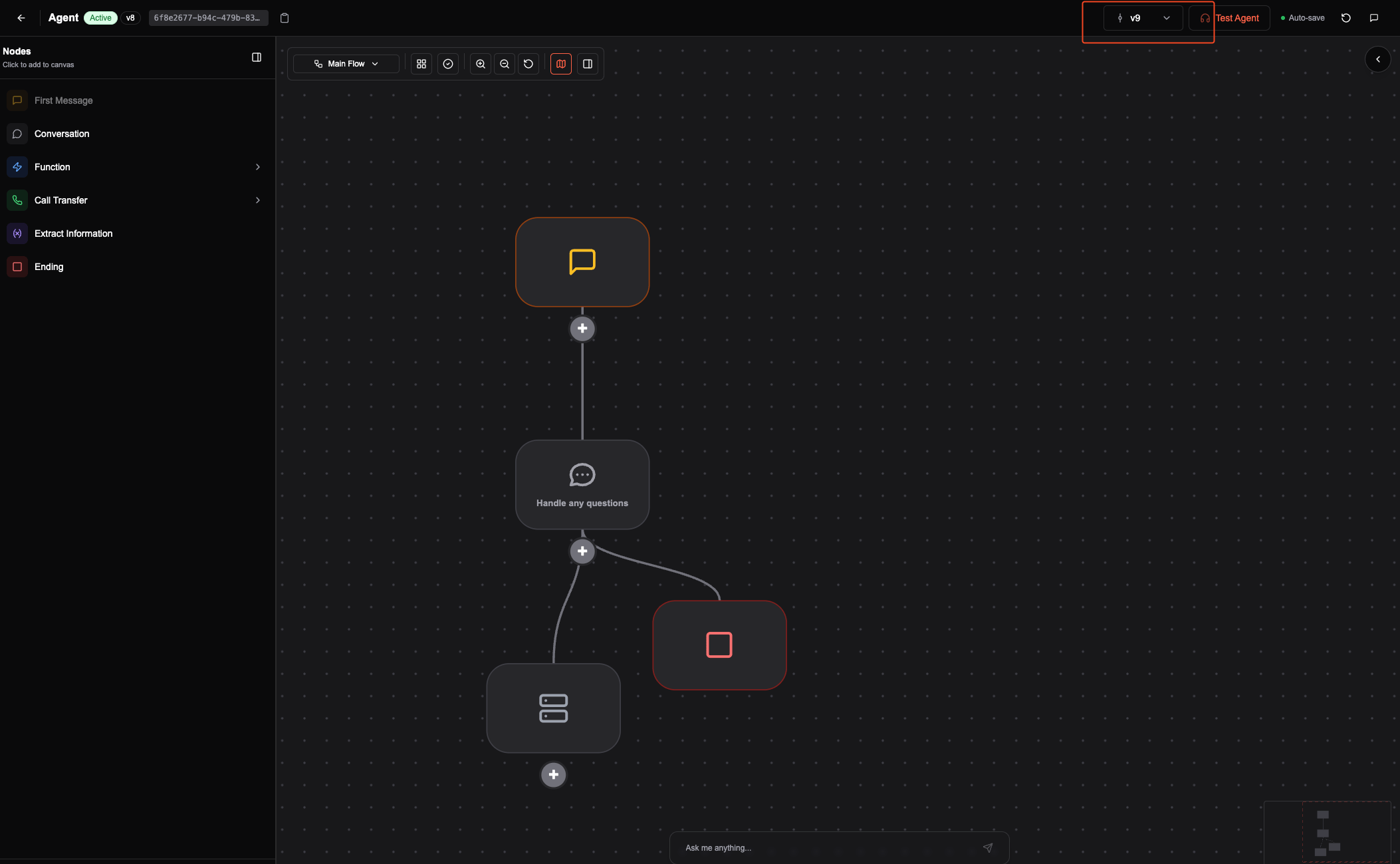
* Use **Test agent** to validate changes.
### 2. Create a version
* When the draft looks good, click **Create New Version**.
* This creates a save point. You can keep editing and testing this version.
### 3. Publish a version
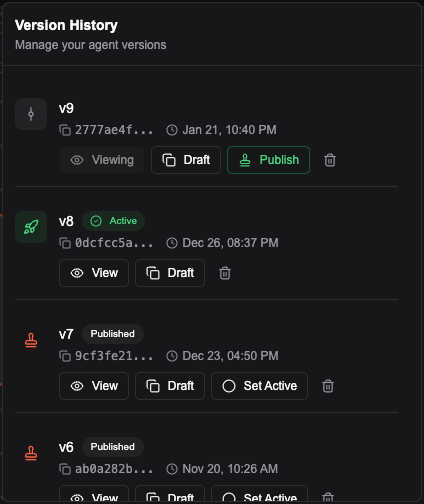
* Click **Publish** to freeze the current version.
* Published versions are **read-only** and stay stable in production.
### 4. Activate a version
* To use a version in production, click **Set Active**.
* Only one version can be active at a time. You can change it whenever you need.
Only the **active** version is used for phone and production. Test on the web during development to avoid creating a new version for every small change.
### Other actions
* **Delete** a version to remove old, unused ones.
* **Create Draft** to start a new draft from a previous version.
* **View** to see the history of your agent’s versions.