Call Analysis
The Call History tab allows you to track all calls made by an agent and access detailed information about each call.
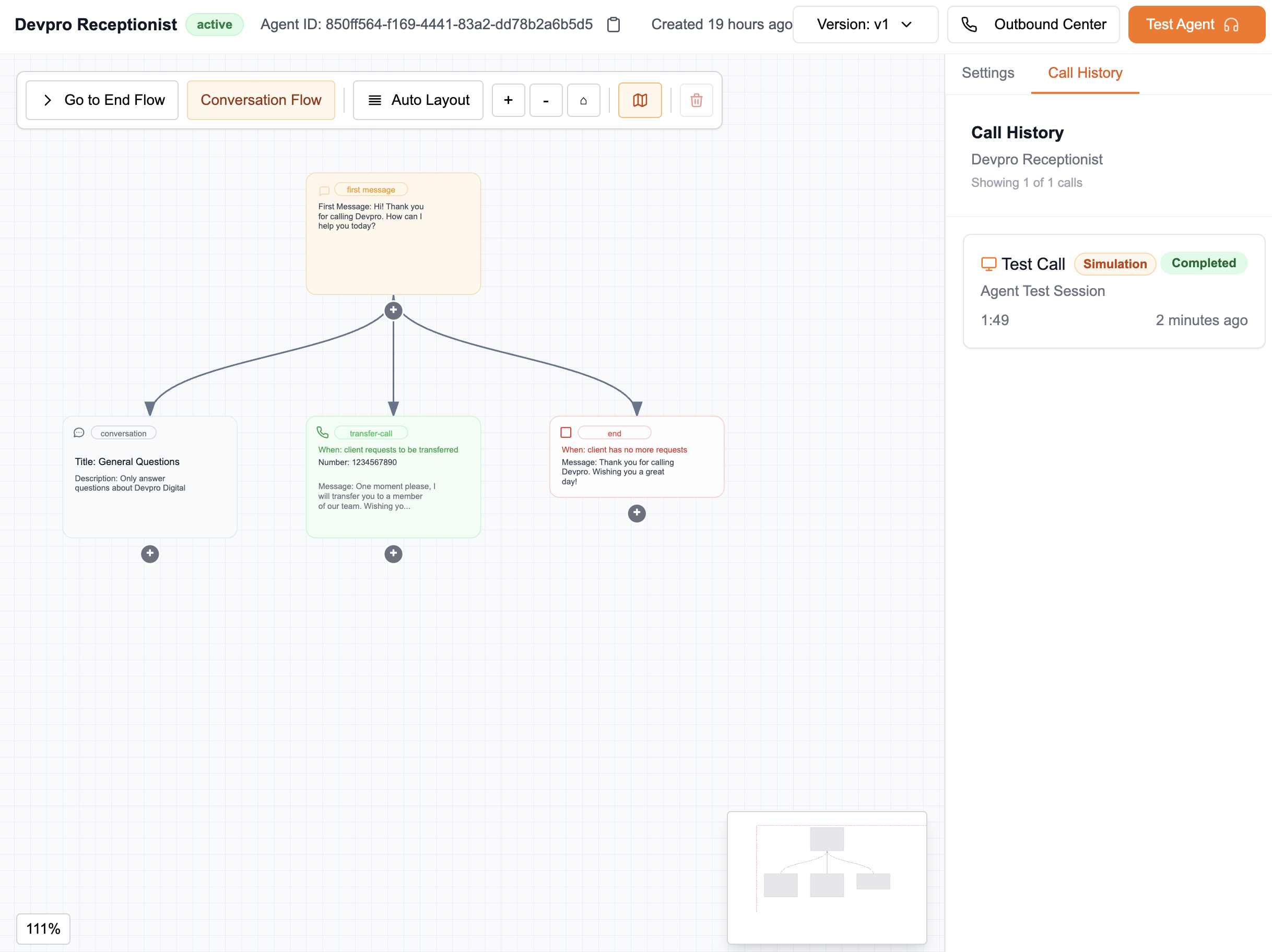
Explore in detail each interaction made by an agent by centralizing the essential information to understand how your agent behaved during a call, what decisions it made, and what resources were used.
Basic Information
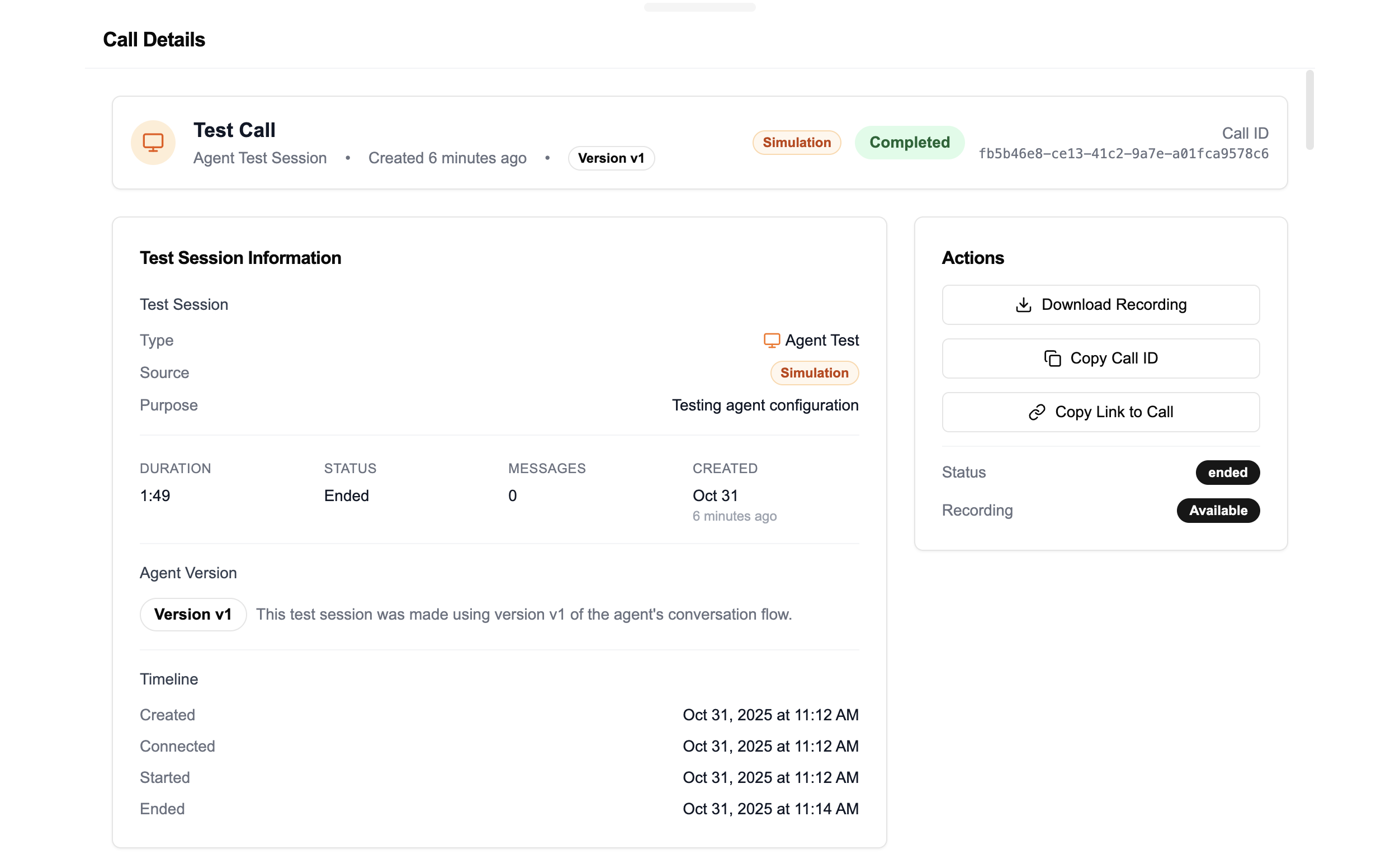
Each call displays the following main information:
- Date and time of the call
- Total duration of the conversation
- Call identifier, copyable with one click
- Ability to download the audio recording
- Option to share the call with another member of the organization
Call History
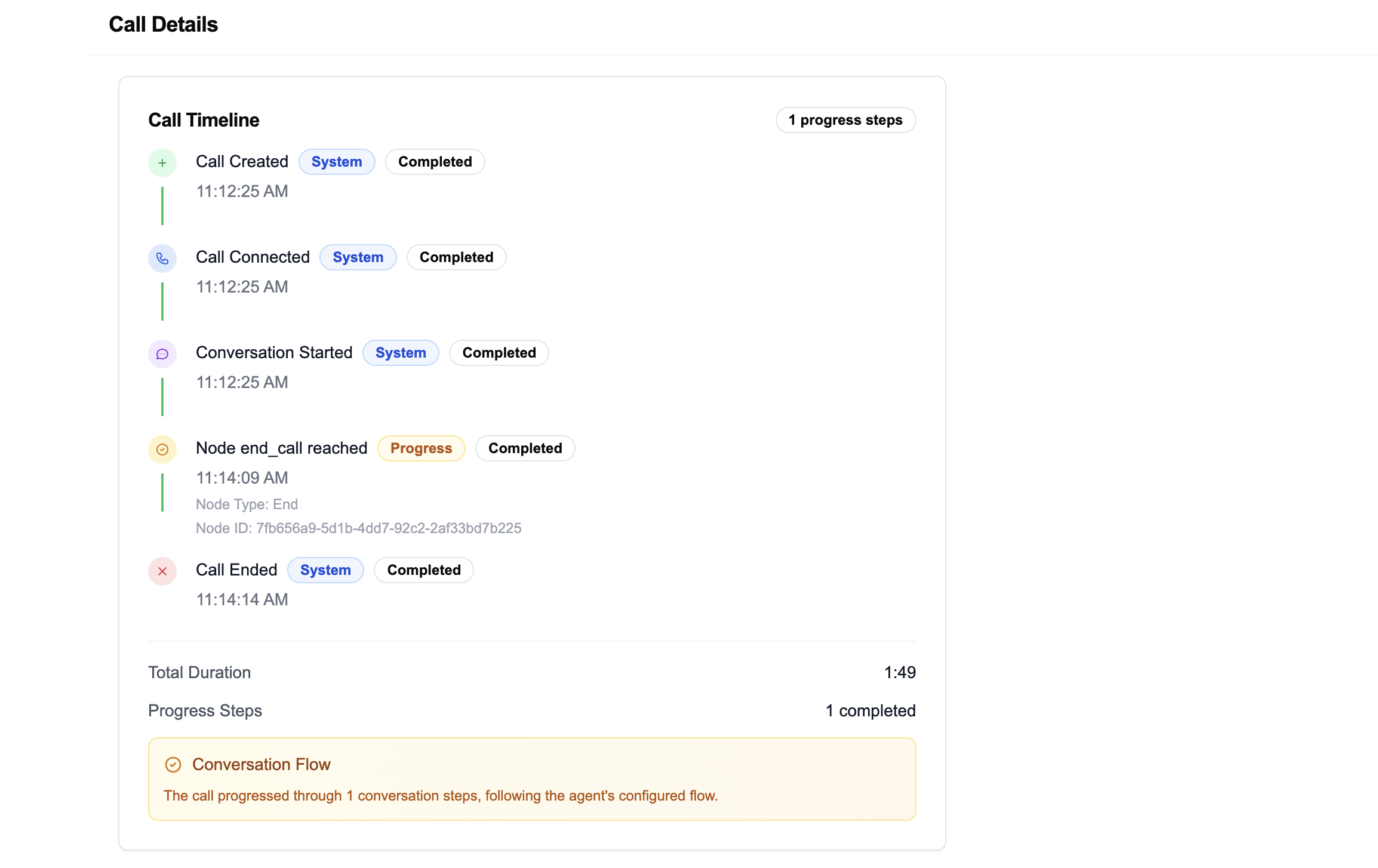
Visualize the complete path followed by the agent during the call. This section displays the nodes visited in the conversation graph, in chronological order. This allows you to understand the agent's navigation logic and identify potential improvement points.
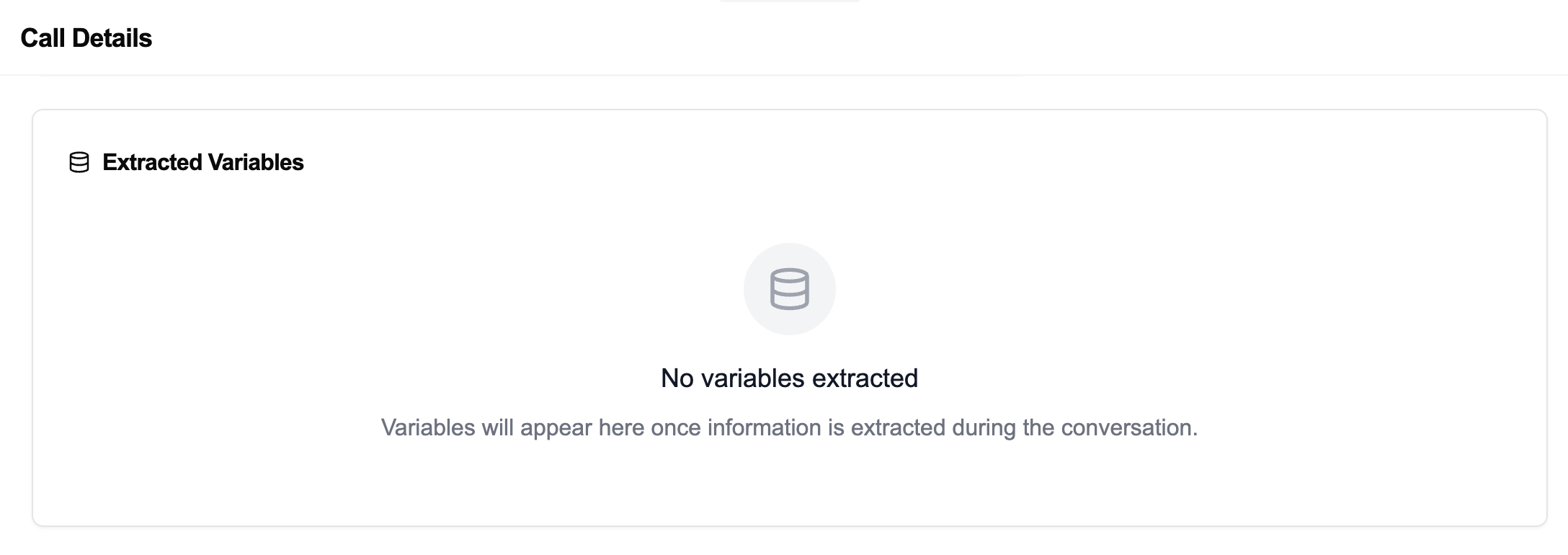
Extracted Variables
View the variables that the agent identified and extracted during the conversation. This includes key information captured from the client (name, number, need, etc.), as well as their extraction context.
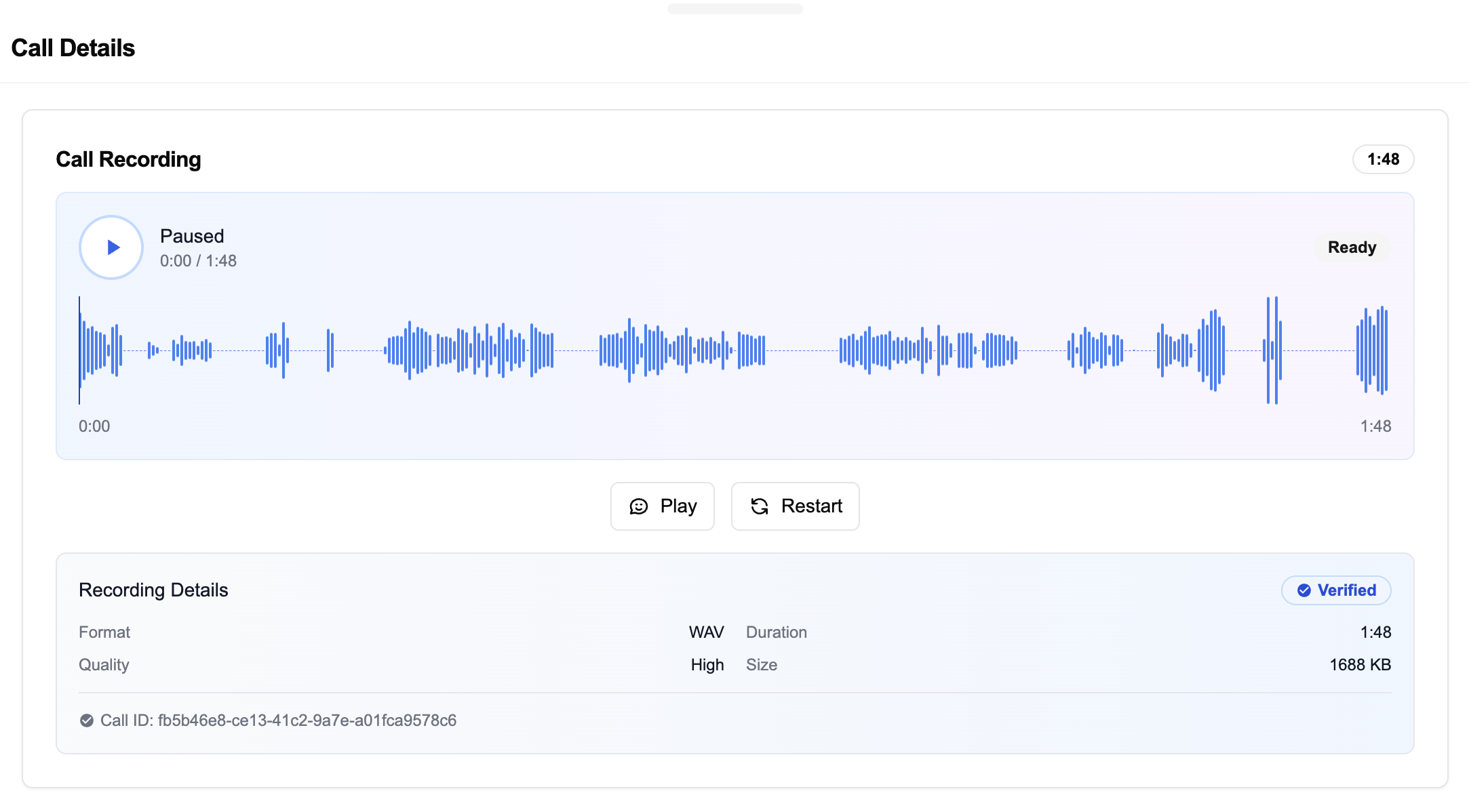
Recording
Listen to the audio recording of the call. This recording allows you to validate the agent's vocal performance, the clarity of responses, and the overall experience provided to the end user.
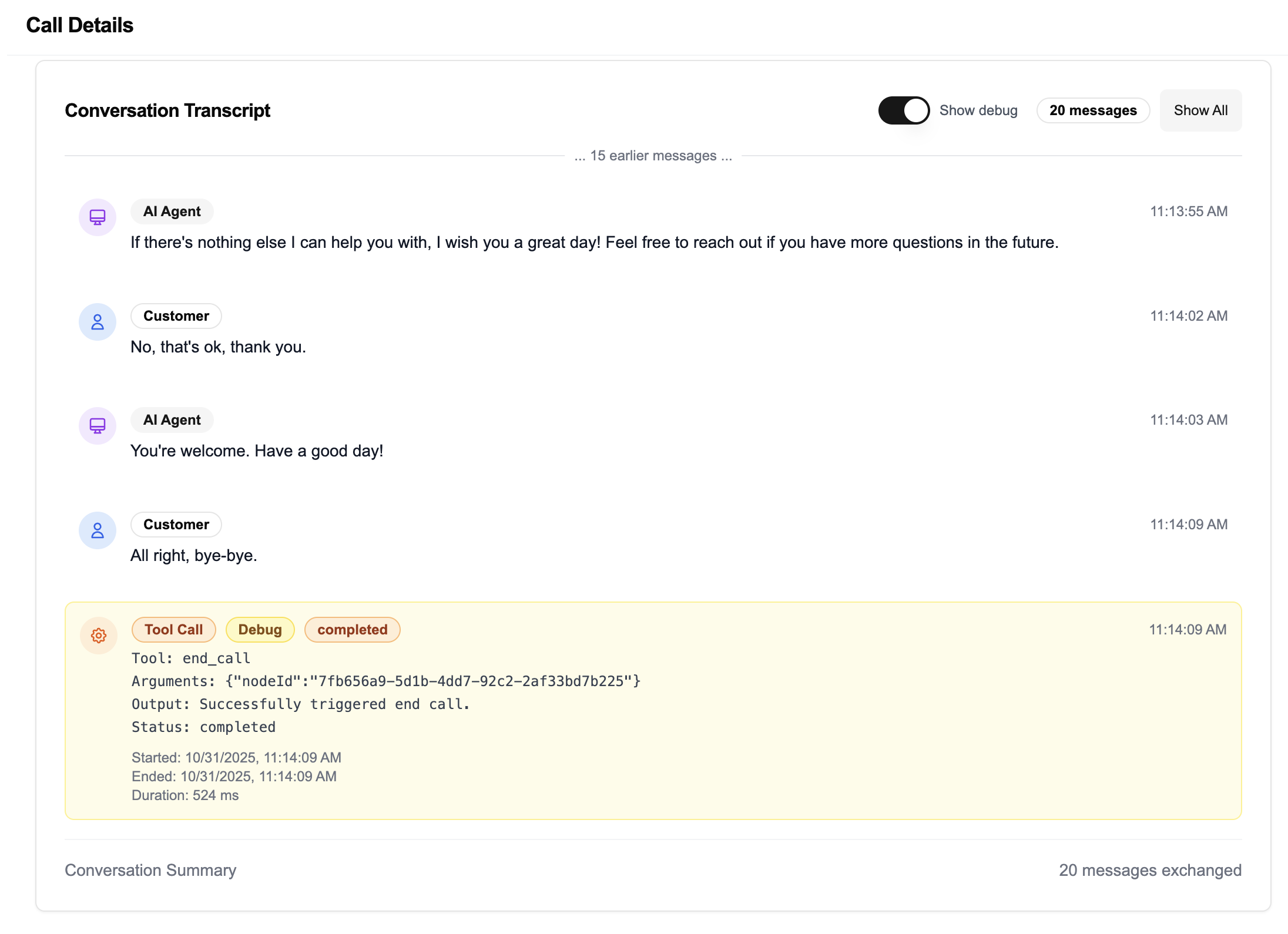
Transcription
Access the complete transcription of the call, synchronized with the audio. In Debug mode, you can also visualize the Tool Calls performed by the agent as the conversation progresses (e.g., API calls, database queries, contextual searches). This helps understand how the agent interprets requests and what actions it takes.
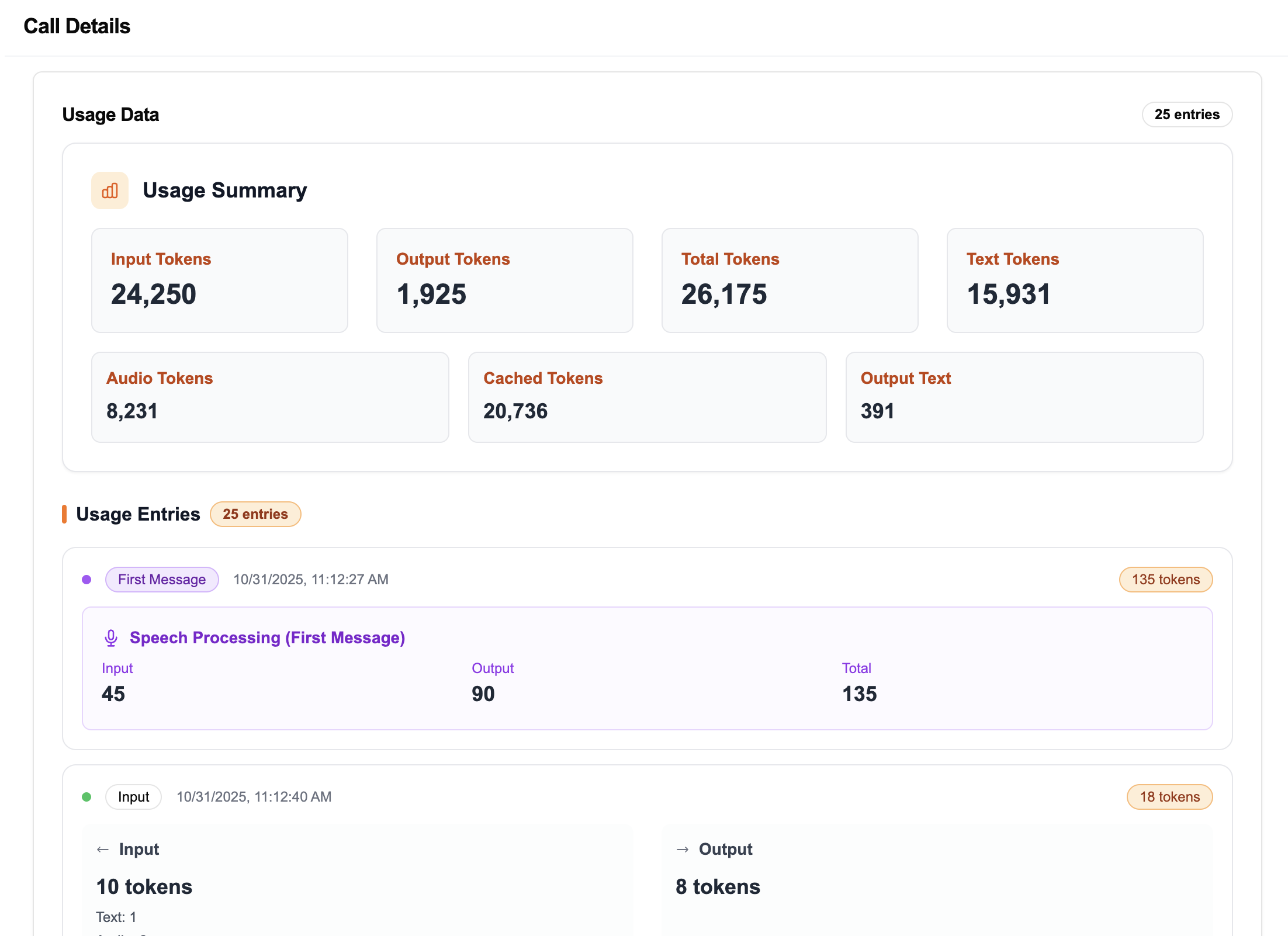
Token Usage
Track token consumption throughout the call. This metric helps you estimate artificial intelligence consumption, i.e., the amount of resources used by the model to process the conversation. A dynamic visualization shows the evolution of tokens as the exchange progresses.