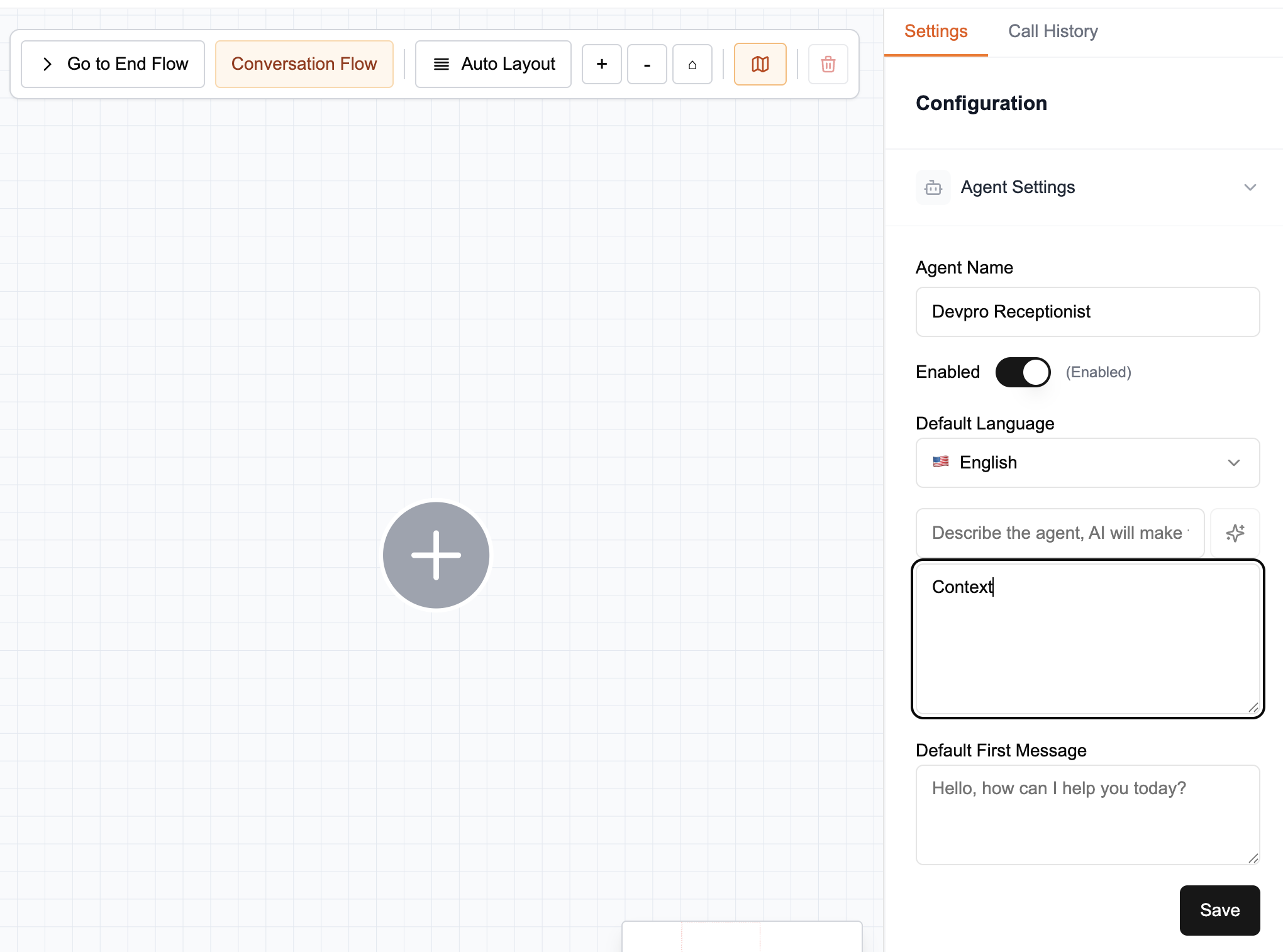
Writing a Good Context
The context is the source of truth for your agent: answer quality depends on the quality of the context you provide. Write it carefully so it covers common customer requests. Most issues during testing come from an incomplete or unclear context.
caution
The context should only contain essential information. If your database or documentation is very large, use Knowledge Bases instead to connect a large number of documents to your agent.
Typical usage
For common needs (answering basic questions, asking a series of questions, following a script, etc.), a simple text is enough.
tip
The Markdown (.md) format is recommended for writing your agent’s context. See the Markdown specification for details.
Best practices
- Be concise: keep the text short and dense for better performance.
- Avoid repetition and unnecessary content.
- Structure sections clearly (e.g., “Services”, “Cancellation Policy”, “Contact”).
- Prefer simple sentences and factual statements.
Automatically extracting context
To create a summary of your website or internal documents:
- Open the LLM of your choice (ChatGPT, Gemini, Claude, etc.).
- Copy the following prompt (and include the link to your website):
You are an information synthesis expert. Your goal is to extract and condense all relevant information from the following website:

[INSERT URL HERE].

Return the result in **Markdown format**, with clear section headings.

Include ONLY factual, concrete, and useful information that enables an AI agent to answer questions about the company, for example:

- Company overview
- Products or services
- Pricing or plans (if available)
- Contact details (phone, email, address, social media)
- FAQ or key information for customers
- Policies (returns, support, terms, etc.)
- Distinctive elements or differentiators

Guidelines:

- Be **as concise and informative as possible**, ideally under 500 words.
- Use **bullets** and short sentences.
- **Avoid promotional or marketing language.**
- **Do not include any code, images, HTML**
- **Do not include references**
- The text should be usable as-is as a knowledge base for a virtual agent.

Expected output format:

# Company Name

## Overview

...

## Products and Services

...

## Contact

...
- Copy the result into your agent’s context box.