Organization
An organization is an association between users and agents, allowing you to work in an isolated and structured environment.
1. Create an organization
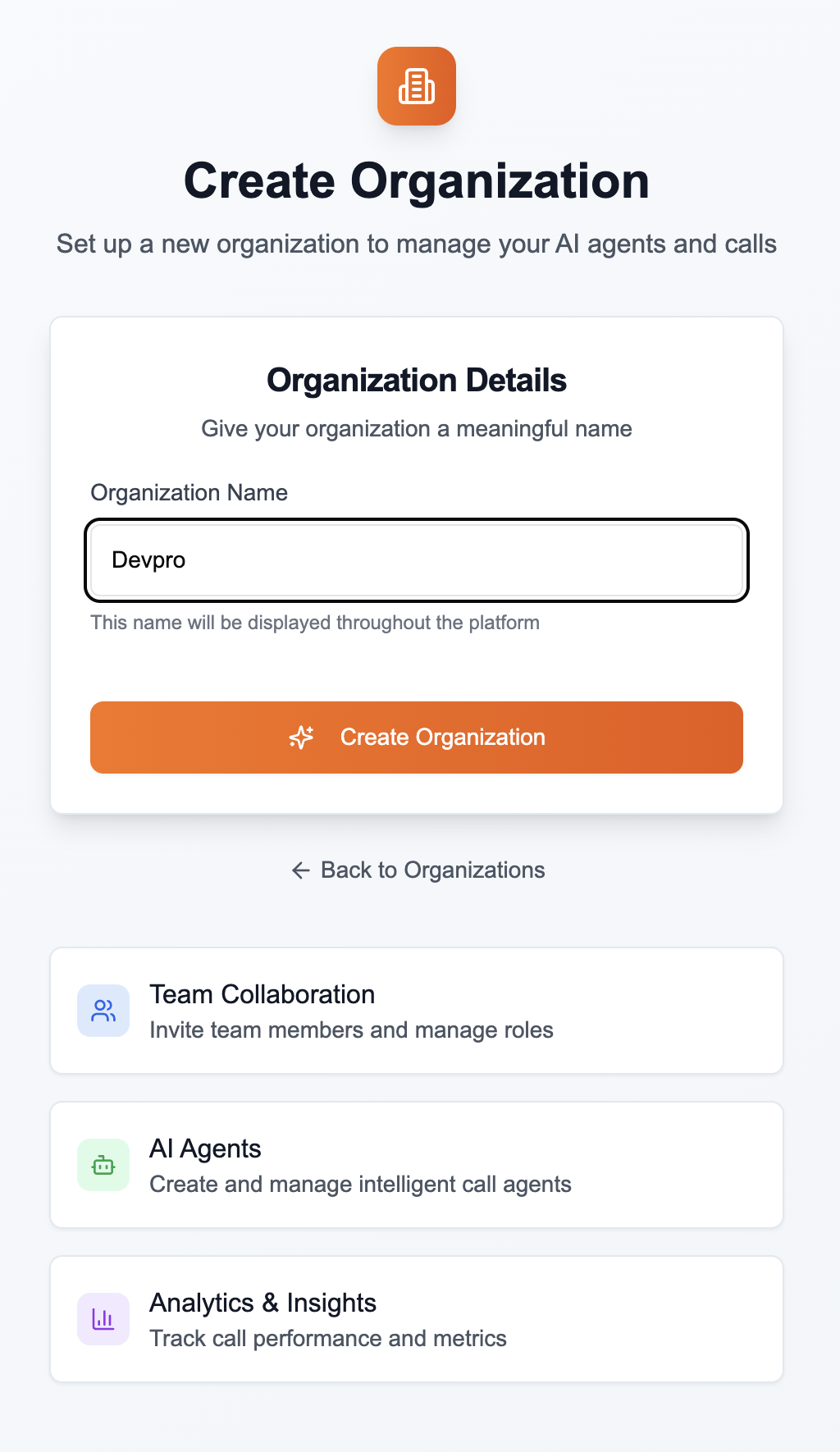
When a user does not yet have an organization, they can create one.
- Click Create an organization
- Give it a name (e.g., Company ABC, Internal Demo, etc.)
2. A user can belong to multiple organizations
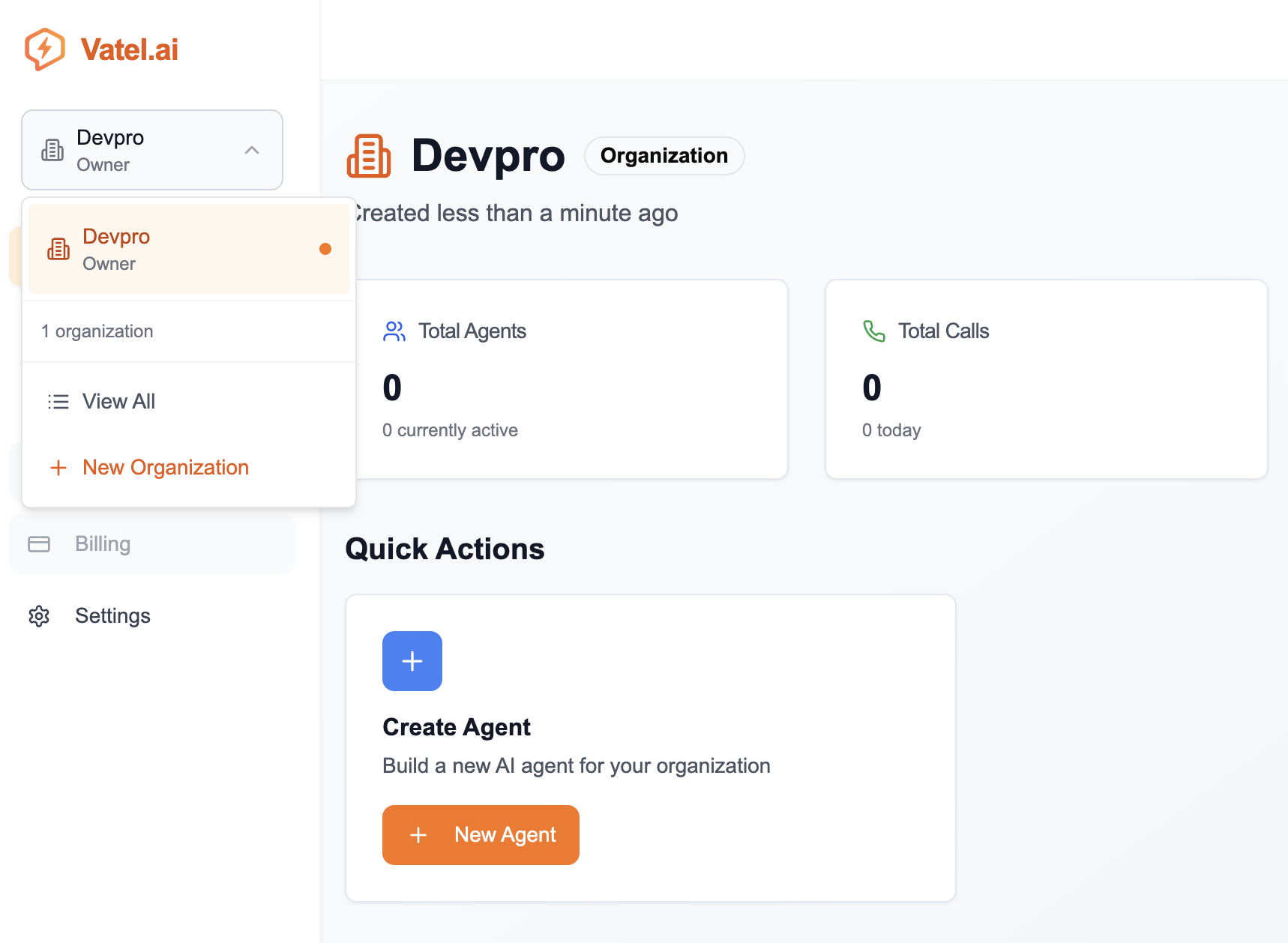
The same user can be a member of multiple organizations. They can view the list of their organizations and easily navigate from one to another.
3. Multiple users can belong to the same organization
An organization can contain multiple users. Users can have different roles (administrator or regular user).
An administrator can invite other users to join the organization from the invitation portal.
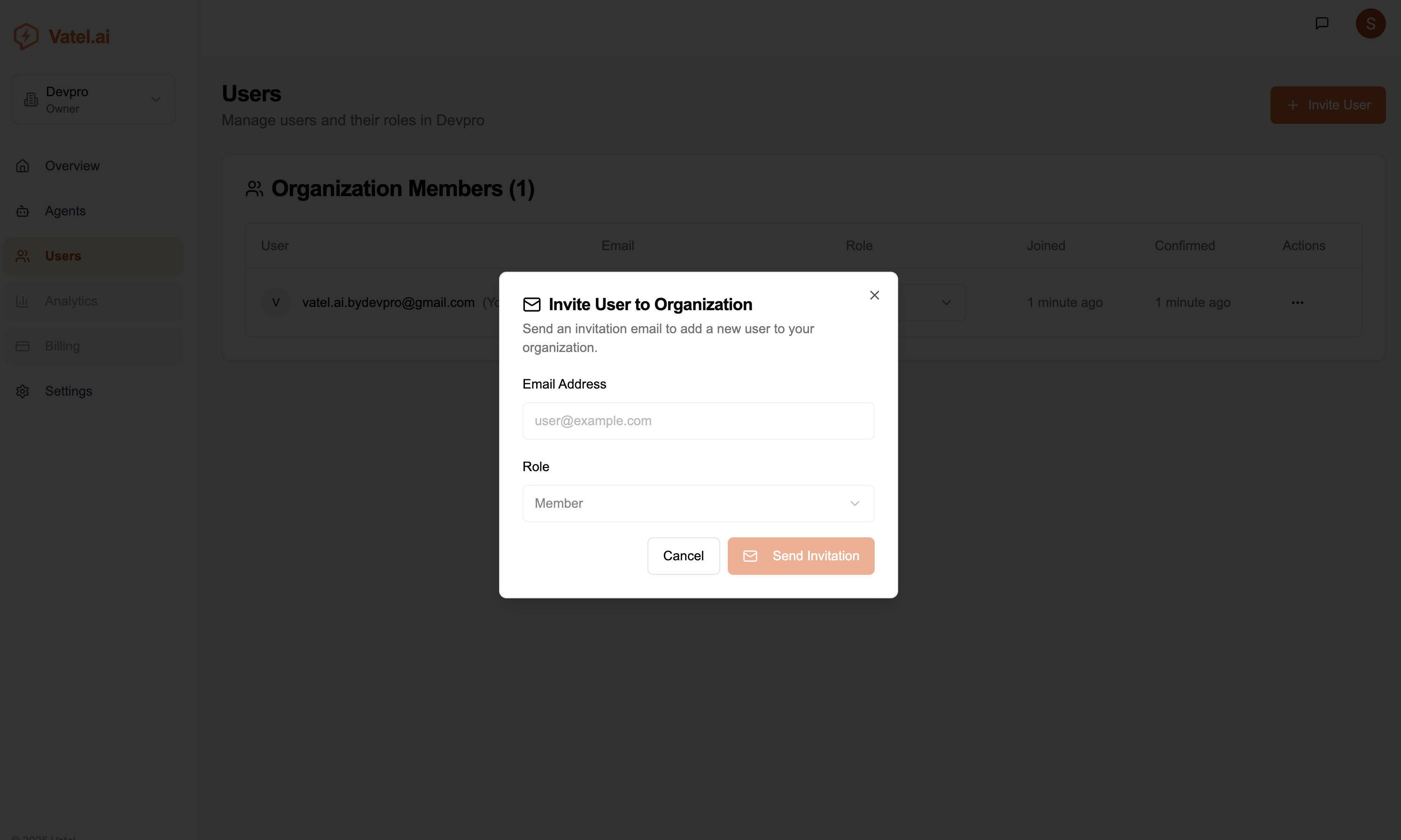
- Open the User section, then click Invite User
- Enter the email address of the person to invite
- Choose whether they will have an administrator or user role
- Send the invitation
The person will receive an email containing instructions to join the organization.
Check the maximum number of users allowed in your organization according to your plan (tier). If you need to exceed this limit, contact support.