> ## Documentation Index
> Fetch the complete documentation index at: https://docs.vatel.ai/llms.txt
> Use this file to discover all available pages before exploring further.
# MailerSend
> Send emails from your agents
The **MailerSend** integration lets your agents send emails at the end of a call or on specific events.
## Prerequisites
1. **MailerSend account** - See [getting started](https://www.mailersend.com/help/getting-started) if needed.
2. **Verified domain** - You must verify and authenticate a sending domain in MailerSend so emails deliver correctly and aren’t marked as spam. Follow [How to Verify and Authenticate a Sending Domain](https://www.mailersend.com/help/how-to-verify-and-authenticate-a-sending-domain).
Without a verified domain you cannot send from MailerSend. Complete this step before continuing.
## Initial configuration
1. Generate an **API key** in your MailerSend dashboard.
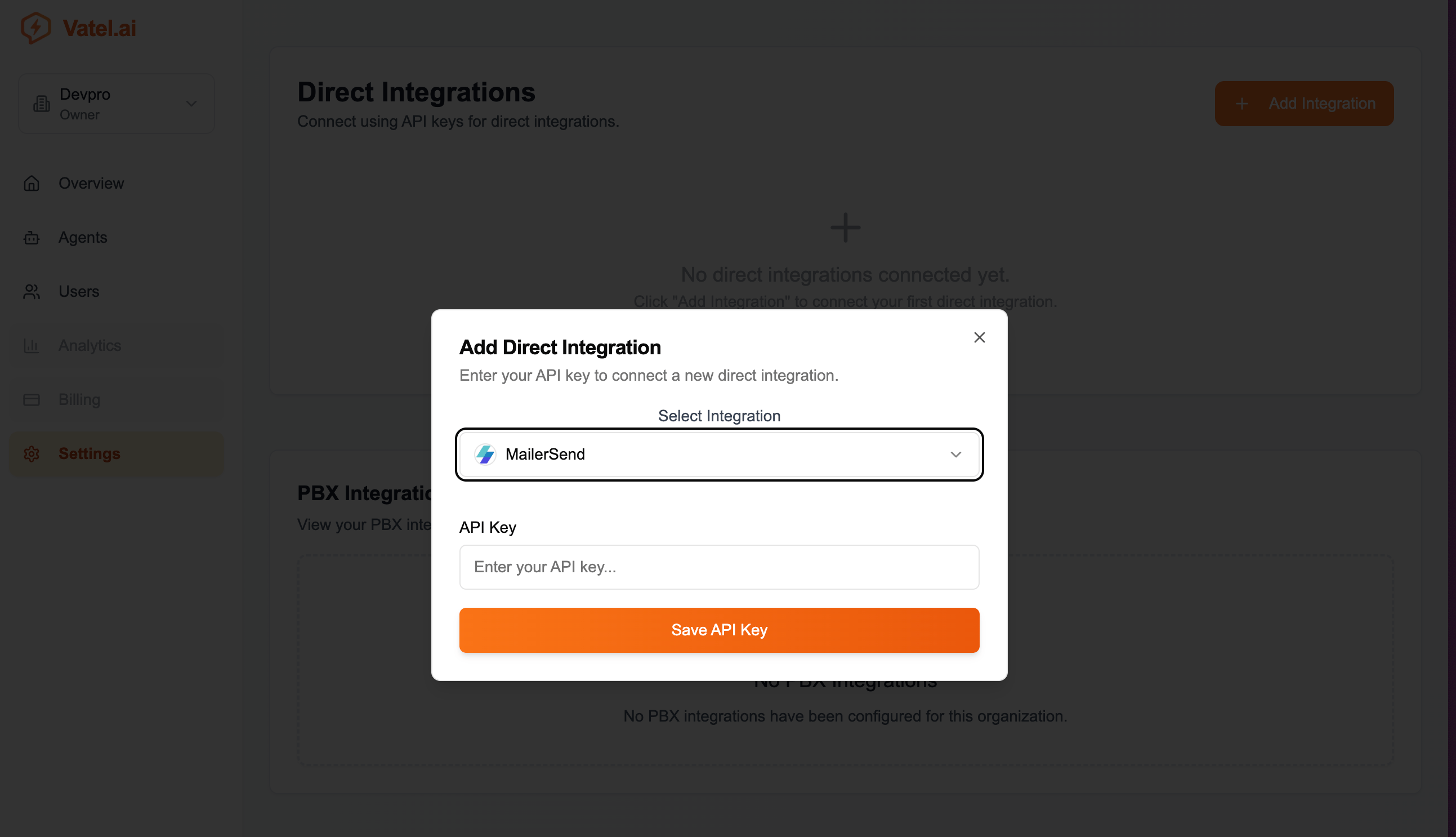
2. In **Vatel AI → Settings → Direct Integrations**, click **Add Integration**.
3. Select **MailerSend** and paste your API key.
4. Click **Save API Key**.
 ## Using in an agent
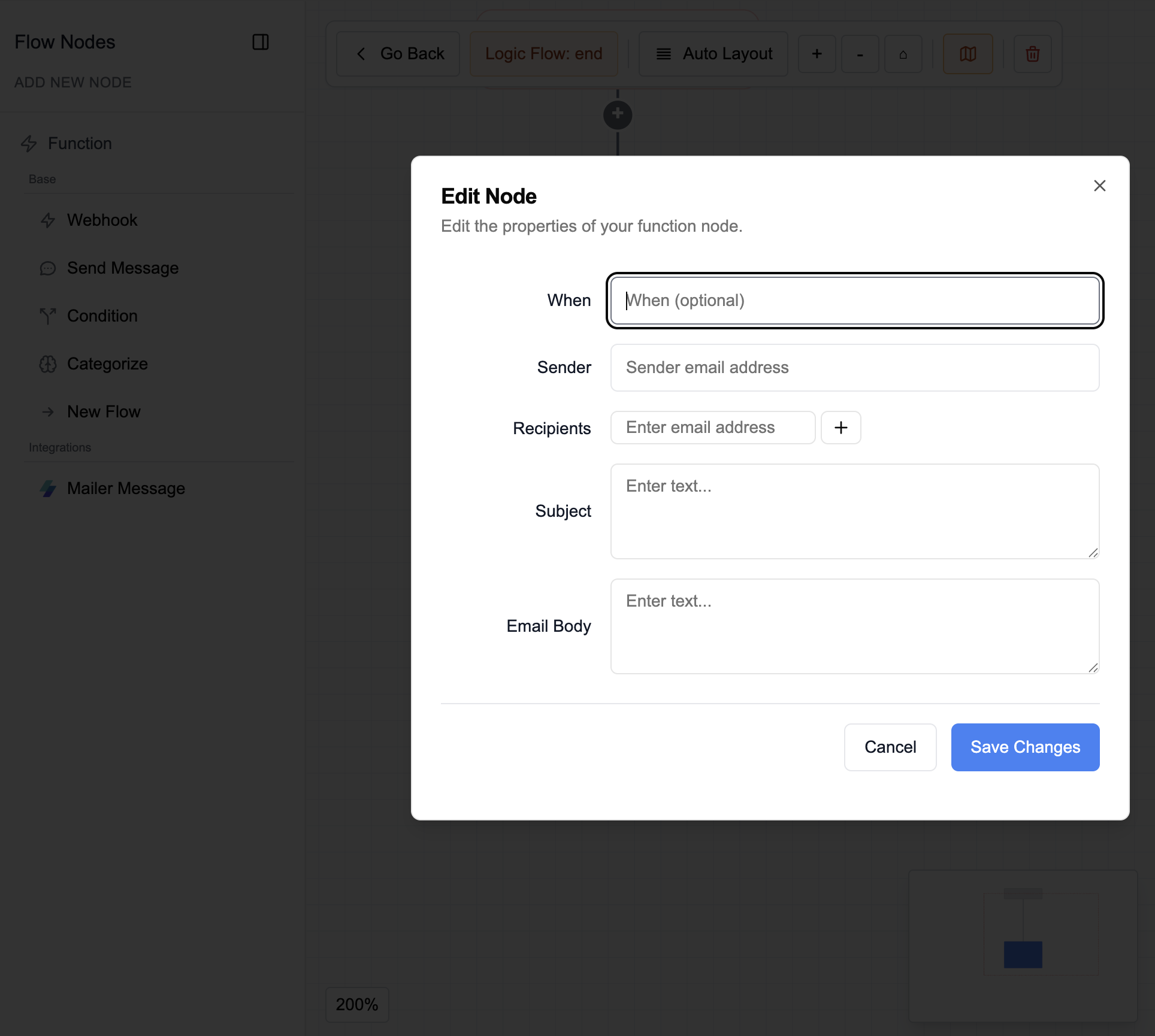
* In the agent editor, open the conversation graph or end-of-call logic and add a **MailerSend** node.
* Set:
* **When** - When to send the email
* **Sender** - Sender address
* **Recipients** - One or more addresses (use **+** to add more)
* **Subject** - Email subject
* **Body** - Content; supports [system variables](/core-concepts/system-vars)
## Using in an agent
* In the agent editor, open the conversation graph or end-of-call logic and add a **MailerSend** node.
* Set:
* **When** - When to send the email
* **Sender** - Sender address
* **Recipients** - One or more addresses (use **+** to add more)
* **Subject** - Email subject
* **Body** - Content; supports [system variables](/core-concepts/system-vars)