MailerSend
The MailerSend integration allows you to send emails from your agents at the end of a call or during a specific event.
Prerequisites
Before starting, make sure you have:
-
Created a MailerSend account
- Consult the getting started guide if needed
-
Verified a domain name (⚠️ Important)
- To send emails, you must verify and authenticate a domain name in MailerSend
- Follow the guide How to Verify and Authenticate a Sending Domain
- This step is essential to ensure your emails are delivered correctly and not marked as spam
Important
Without a verified domain, you will not be able to send emails from MailerSend. Make sure to complete this step before continuing with the configuration.
Initial Configuration
- Generate your API key in your MailerSend dashboard
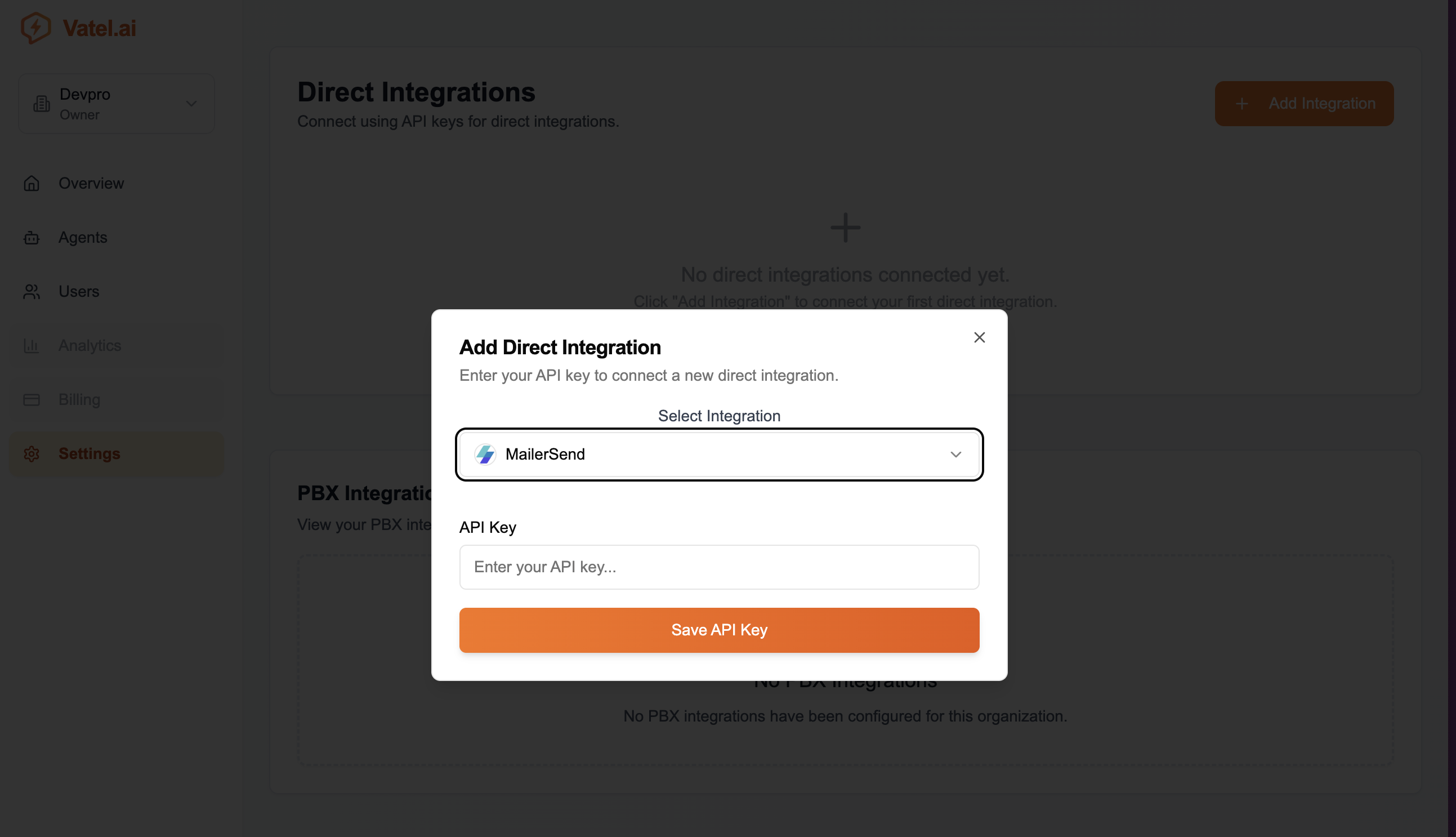
- In Vatel AI → Settings → Direct Integrations, click Add Integration
- Select MailerSend and paste your API key
- Click Save API Key
Using in an Agent
-
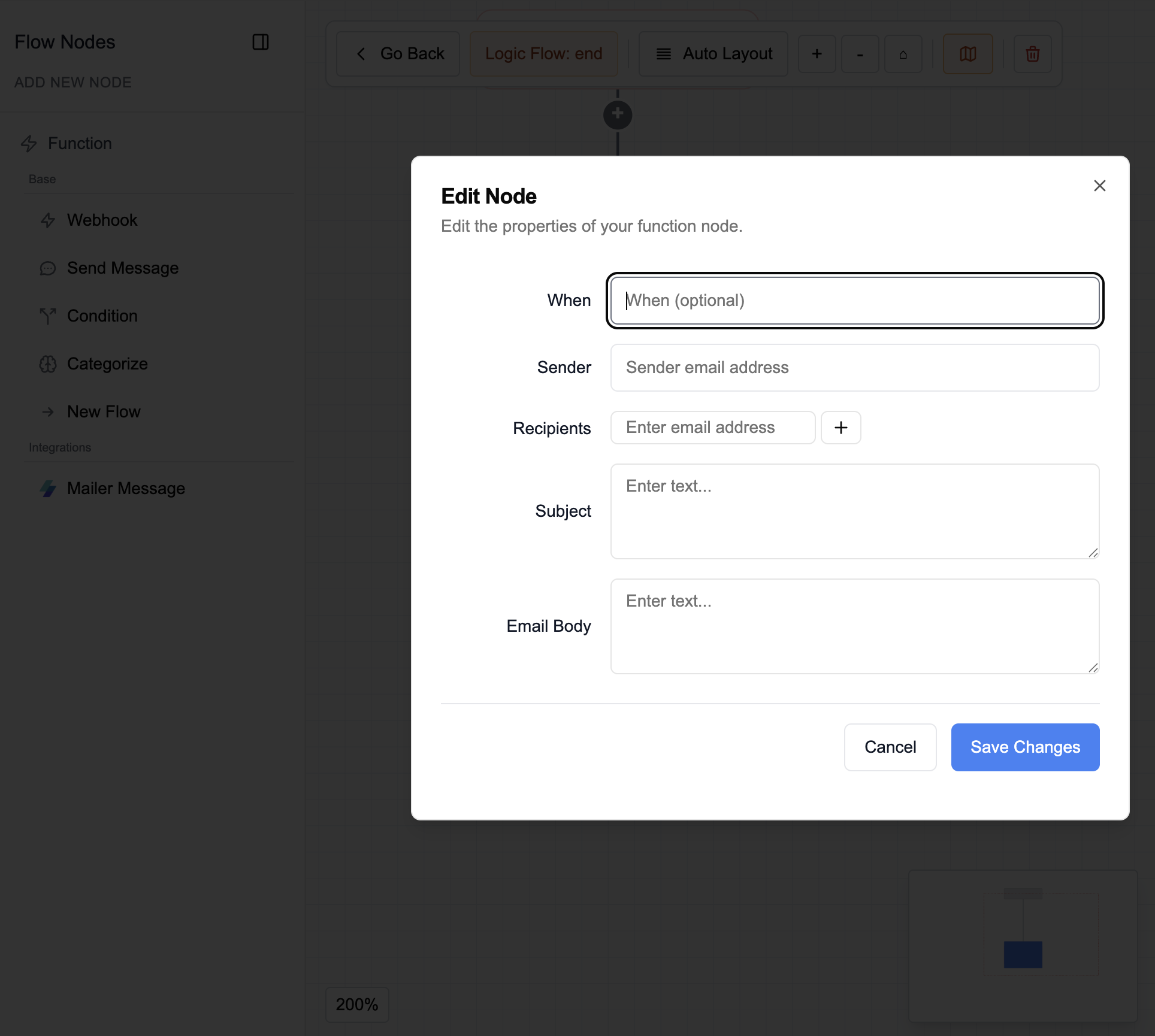
In the agent editor, open the conversation graph or end-of-call logic and add a MailerSend node
-
Specify:
-
When → a condition to specify when the email should be sent
-
Sender → sender address
-
Recipients → recipient address(es)
💡 Click the + sign to the right of the field to add one or more recipient addresses.
-
Subject → message subject
-
Body → content (supports system variables)
-