> ## Documentation Index
> Fetch the complete documentation index at: https://docs.vatel.ai/llms.txt
> Use this file to discover all available pages before exploring further.
# Twilio
> Voice and SMS for your agents
The **Twilio** integration provides **voice calls** and **SMS** for your AI agents. Set up a number in Twilio, connect your account to Vatel AI, then assign the number to your agent.
Usage (calls, SMS, numbers) is billed directly by Twilio, separately and transparently.
## Prerequisites
* A **Twilio account** - [Create an account](https://www.twilio.com/en-us)
* A **Vatel AI organization** and at least **one agent**
## Configuration
1. **Get Twilio credentials**
* Sign in to the [Twilio Console](https://console.twilio.com).
* Buy a phone number (**Phone Numbers → Manage → Buy a number**).
* From the **Account Dashboard**, note:
| Parameter | Description |
| -------------------------- | ----------------------------------- |
| **Account SID** | Your Twilio account identifier |
| **Auth Token** | Your Twilio API secret |
| **Purchased phone number** | The number you bought for voice/SMS |
2. **Add the number in Vatel AI**
* In Vatel AI, go to **Settings**.
* Under **Your Phone Numbers**, click **Add Phone Number**.
* Enter:
| Field | Description |
| ---------------- | -------------------------------- |
| **Label** | Name for this number in Vatel |
| **Account SID** | Your Twilio Account SID |
| **Auth Token** | Your Twilio Auth Token |
| **Phone number** | Number and area code from Twilio |
* Click **Save**.
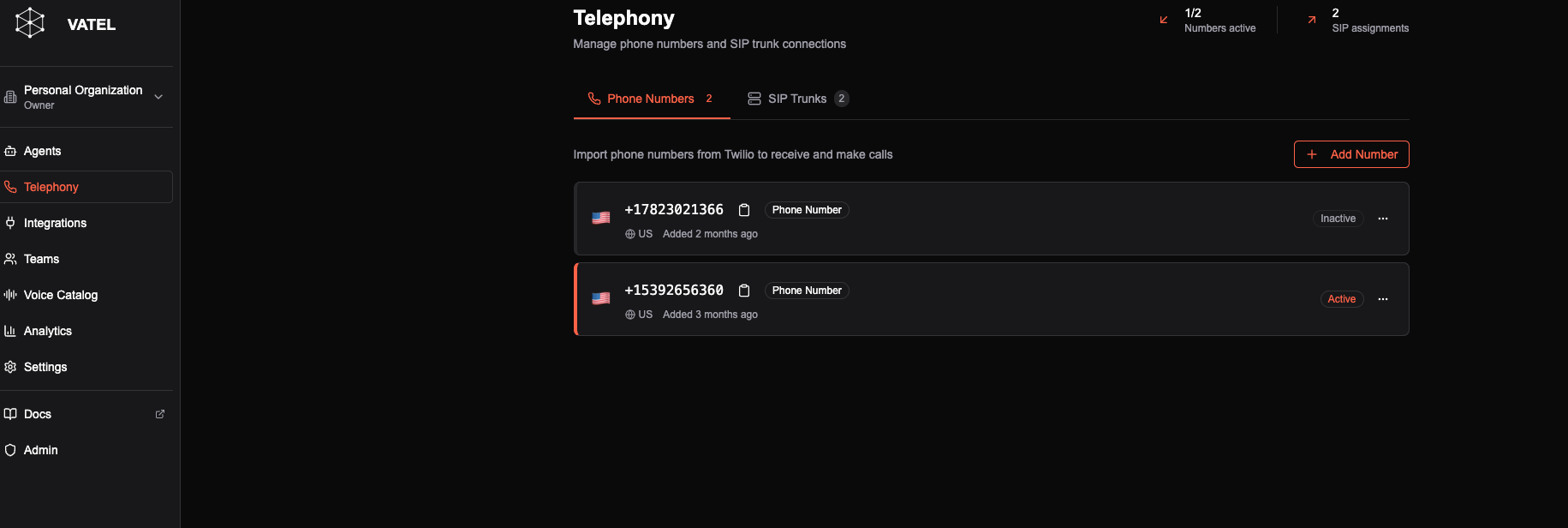 To use the number with an agent: in the agent editor go to **Settings → Call Settings** and assign the number.