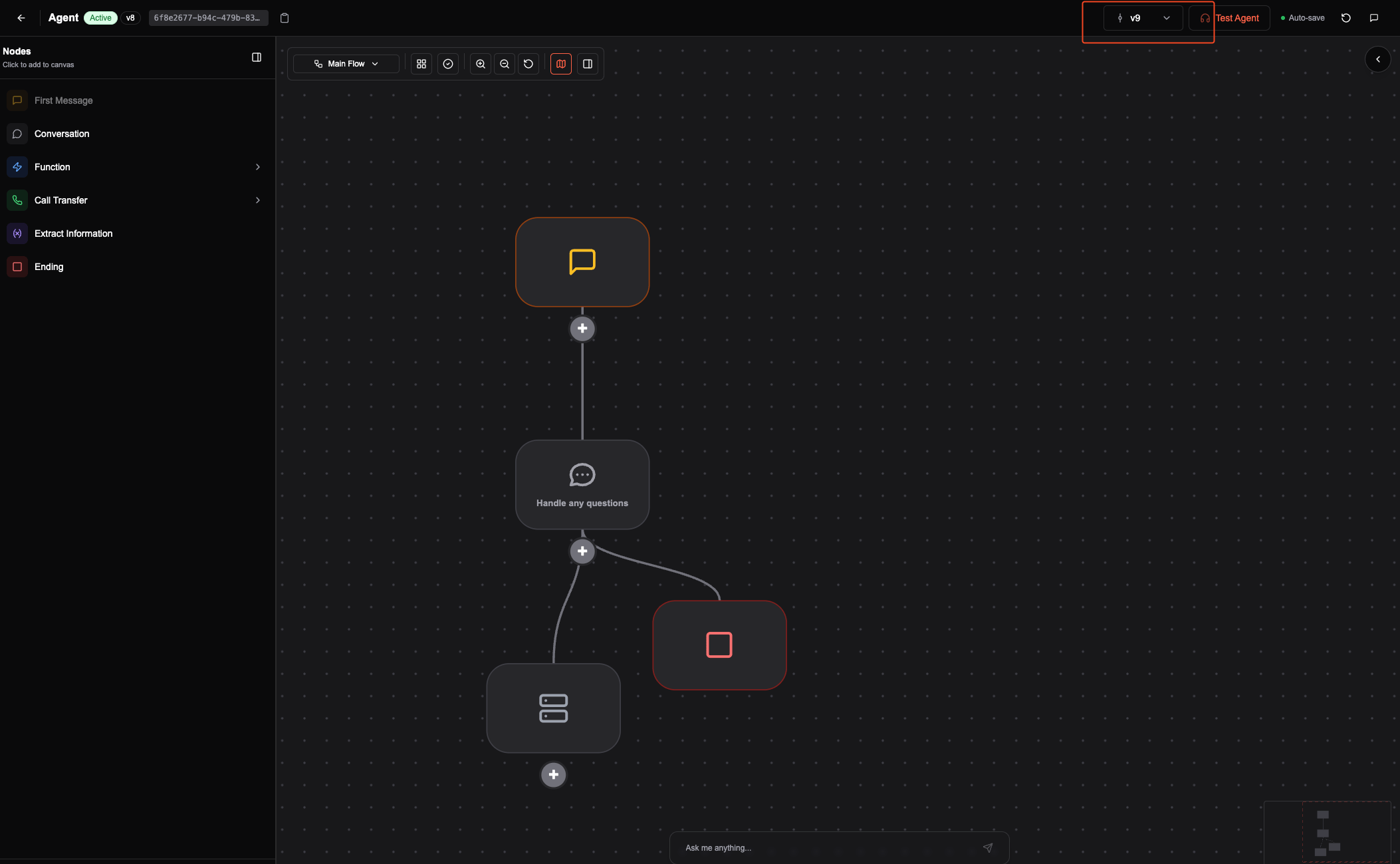
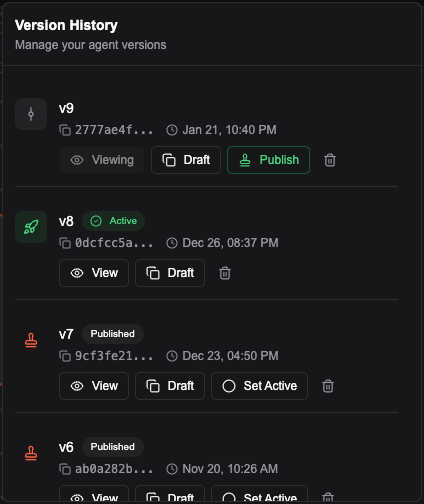
Version lifecycle
1. Draft
- Main working environment.
- You can change, test, and experiment without affecting production.
- Use Test agent to validate changes.
2. Create a version
- When the draft looks good, click Create New Version.
- This creates a save point. You can keep editing and testing this version.
3. Publish a version
- Click Publish to freeze the current version.
- Published versions are read-only and stay stable in production.
4. Activate a version
- To use a version in production, click Set Active.
- Only one version can be active at a time. You can change it whenever you need.
Other actions
- Delete a version to remove old, unused ones.
- Create Draft to start a new draft from a previous version.
- View to see the history of your agent’s versions.