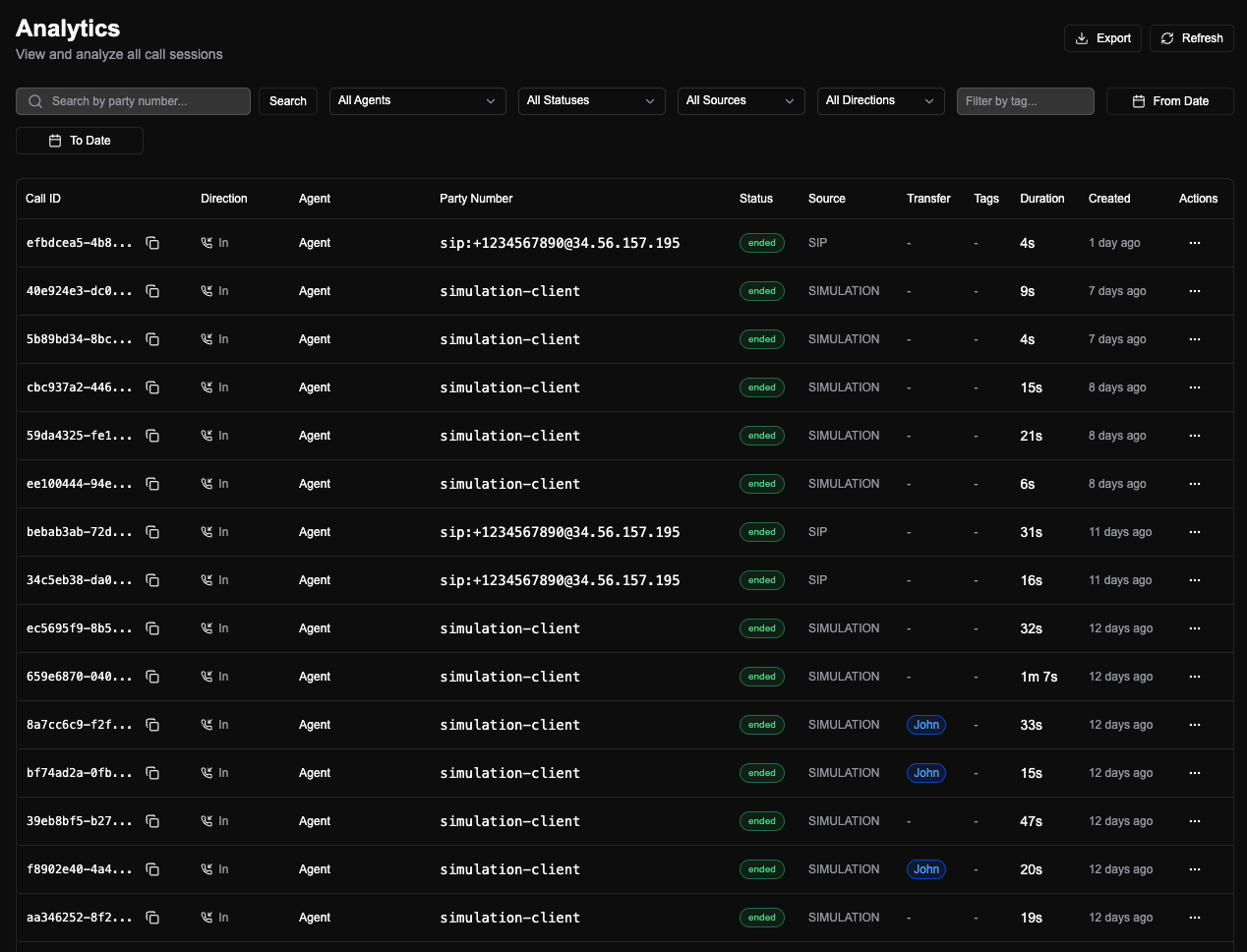
Basic information
Each call shows date and time, duration, and a copyable call ID. You can download the recording or share the call with someone else in the org. The call ID is what you use when you need to reference a specific call (e.g. in support tickets or when talking to your provider). Sharing sends a link so the other person can open the same analysis without digging through the list.Path (timeline)
The path is the sequence of nodes the agent hit during the call. Handy for seeing where it went and where to improve. If a call didn’t end where you expected, the path shows exactly where it branched. That makes it easier to spot missing intents, unclear prompts, or nodes that need a fallback.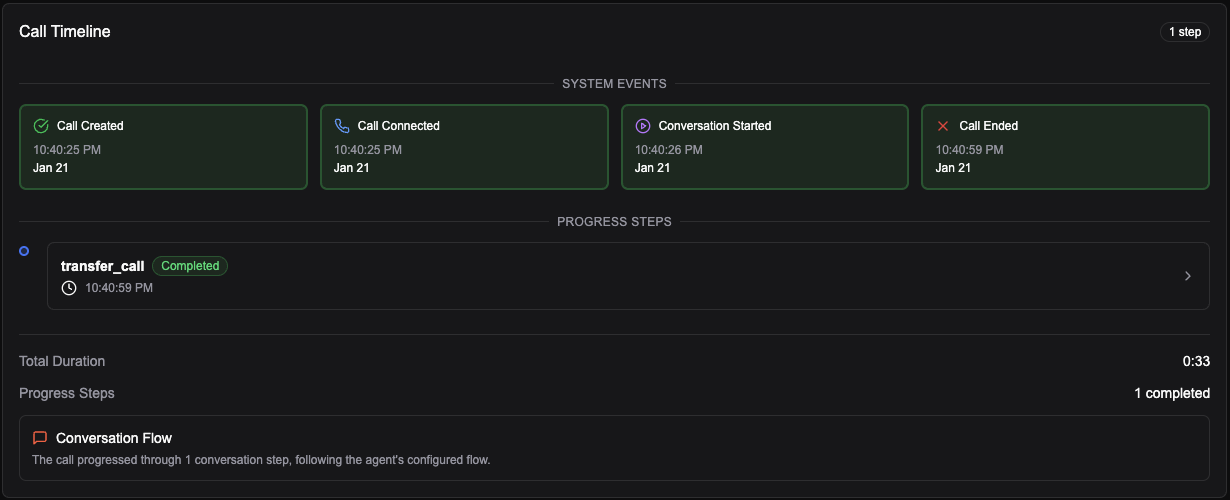
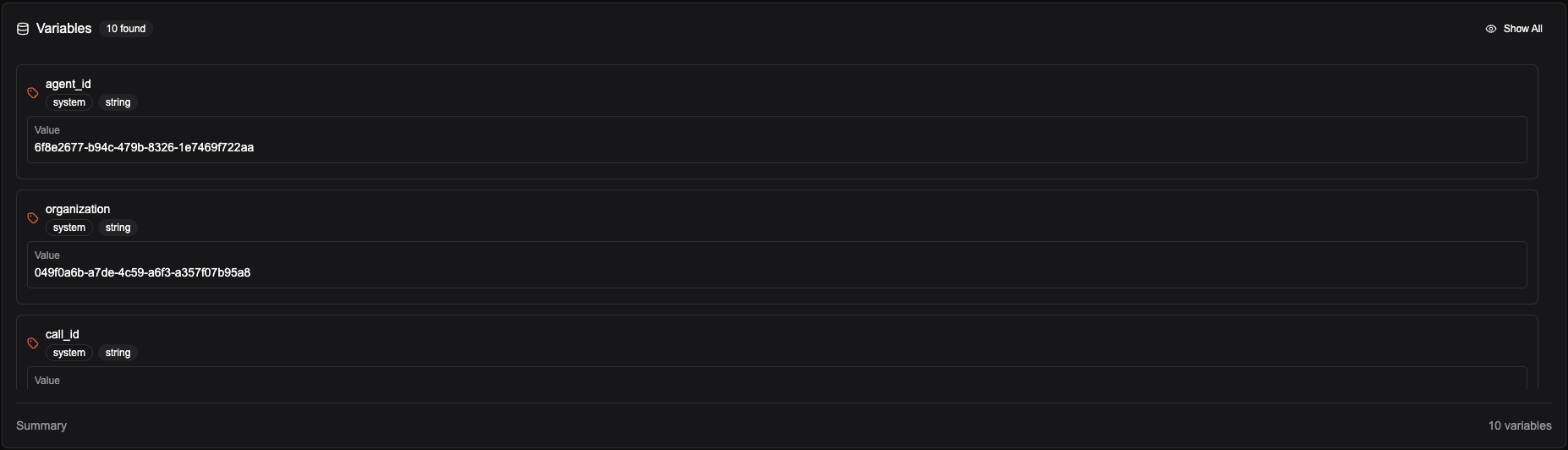
Variables
Shows all variables associated with the call such as extracted variables, system variables, and other variables.