
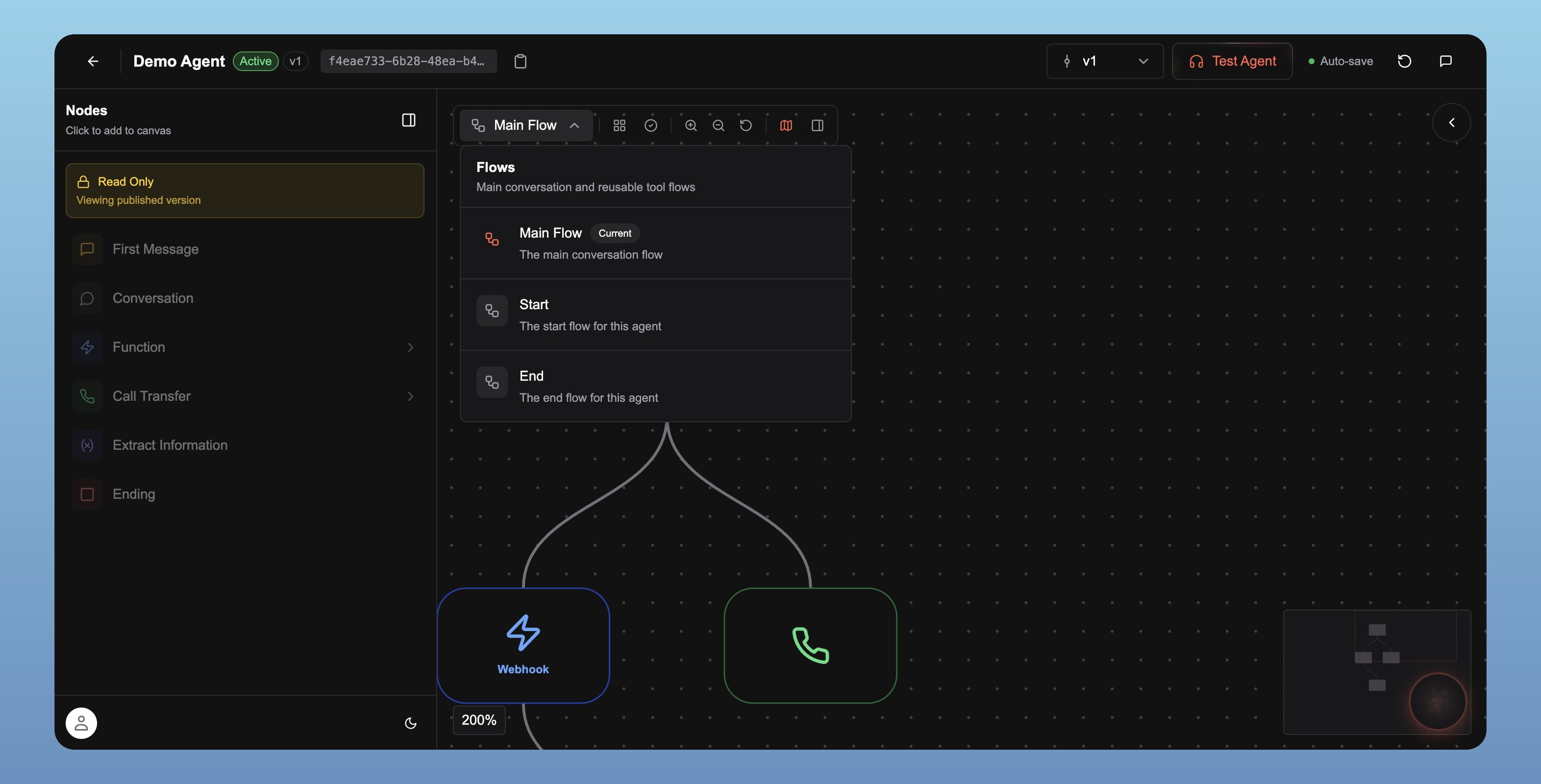
Flow picker on the agent editor. Main Flow, Start, and End.
Pre-call: the Start flow
The Start flow runs before the caller and the agent begin their conversation. Use it to look up information ahead of time so the agent already knows who it is talking to when the first message is spoken. Common uses include:- Caller identification. Use a Webhook node to perform a DID (phone number) lookup on
{{caller}}. If the lookup returns the caller’s name, the agent can greet them personally in its opening message. - Account pre-loading. Call your CRM or billing API to fetch the caller’s account details (policy status, balance, open tickets). The agent can then reference this information throughout the call without asking the caller to repeat it.
Leaf nodes become context
A key concept in the Start flow is the leaf node. A leaf node is any node that has no outgoing edge, meaning nothing is connected after it. When the Start flow finishes, the platform automatically takes the output of every leaf node and adds it to the agent’s context. This means the agent can read and reference that data during the conversation. For example, if you place a Webhook node that calls your CRM and that node is a leaf (nothing connected after it), the entire JSON response body becomes part of the agent’s context. You could then write in the agent’s prompt: “Check whether the caller’s policy is current,” and the agent would be reading the actual CRM data rather than guessing. Important: If you connect another node after a Webhook or Integration, that node is no longer a leaf, and its response will not be included in the agent’s context. If you need the response data but also need the flow to continue past that node, write the specific fields you need into variables using a Set Variables or Transform node instead. Variables are always available to the agent regardless of leaf status.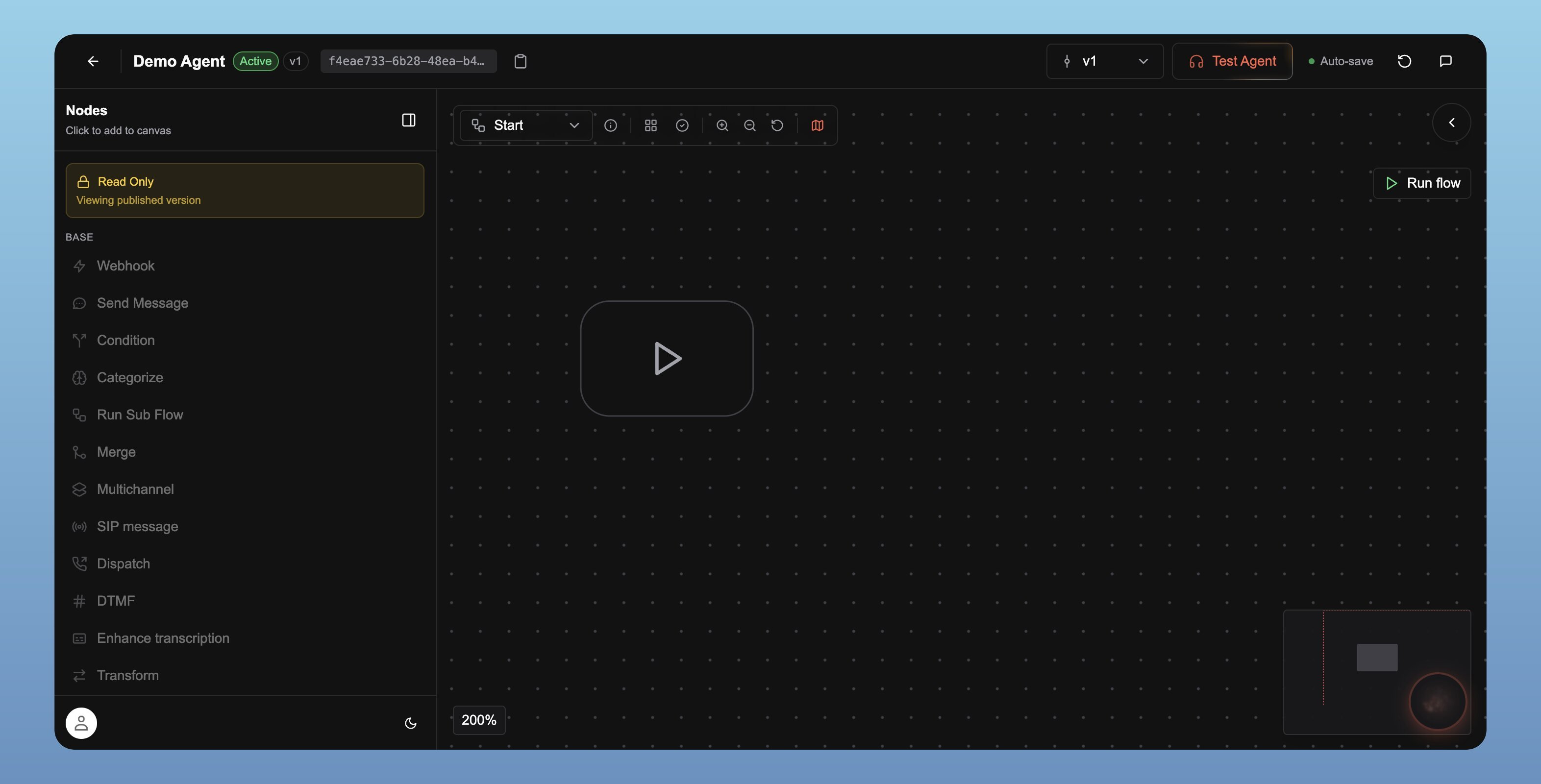
Start flow node list. Dispatch, DTMF, SIP message, and Enhance transcription sit with the other logic nodes.
Post-call: the End flow
The End flow runs after the call is over, either because the caller hung up or because the agent ended the call. It does not run while the caller is still on the line. This makes it the right place for follow-up tasks that should happen after the conversation, such as sending a confirmation email, inserting a record into your CRM, updating a support ticket, or running transcript enhancement.Start and End flows do not run for the web widget. Because a widget chat session can stay open indefinitely, there is no “call started” or “hangup” event to trigger them.
Post-call variables
By the time the End flow runs, the platform makes two special variables available that contain information about the completed call.
You can use these variables in any node within the End flow. For example, you might pass
{{transcript_json}} to a Webhook that stores call records in your data warehouse, or include {{call_summary}} in an email notification to a manager.