

{{transcript_json}} with the corrected text. It does not rewrite {{call_summary}}.
For when the corrected transcript matters, see Transcript Enhancement.
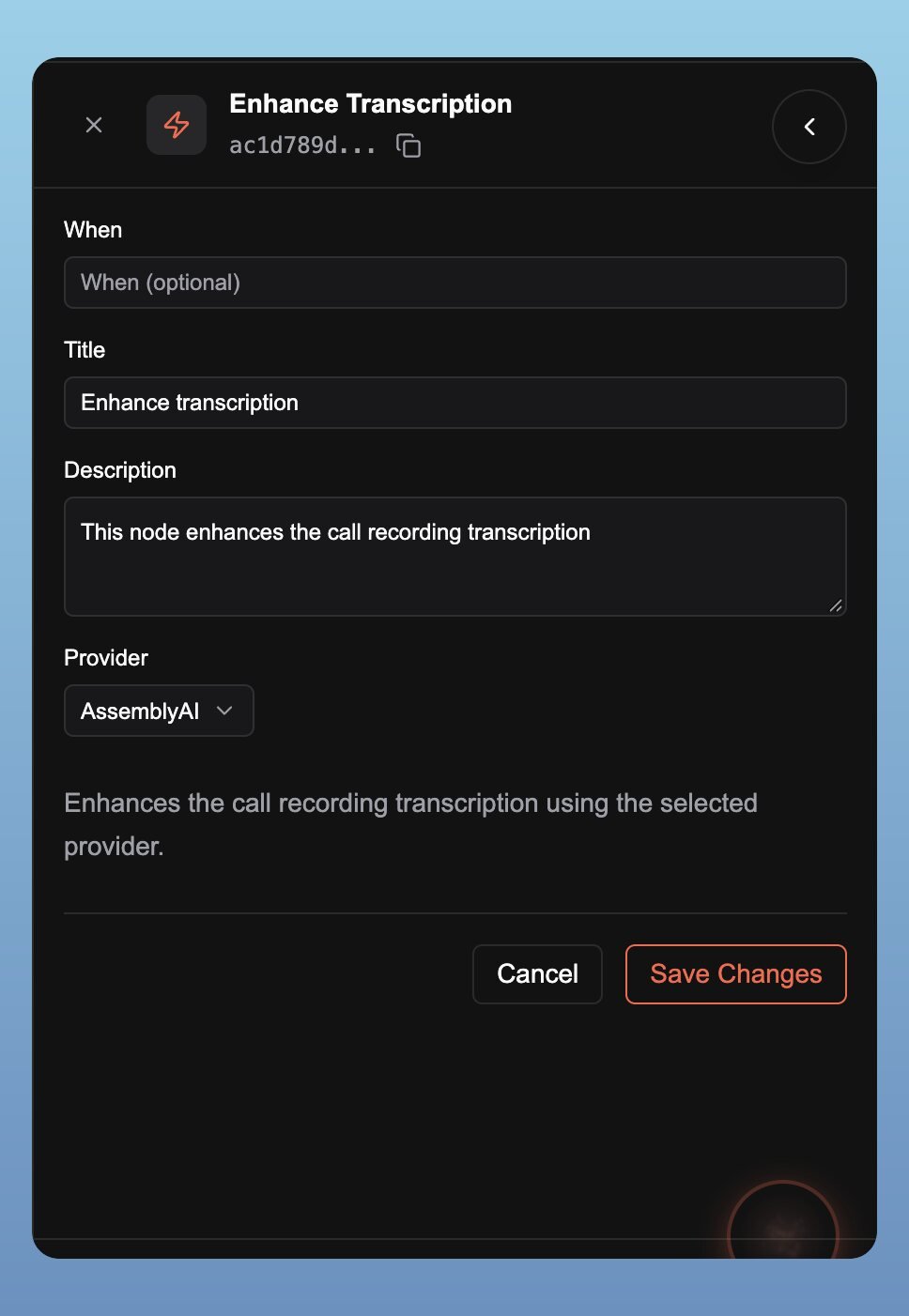
Enhance transcription settings. The provider is AssemblyAI.
Fields
The provider re-transcribes the full call recording from scratch using a model optimized for accuracy rather than speed, and the result replaces the live transcript.
Where to place it
Place this node on the end flow. The recording exists once the call is over, and the end flow is where{{transcript_json}} and {{call_summary}} become available.
A typical end flow looks like this:
- Enhance the transcript, which replaces
{{transcript_json}} - Send an email or write to a CRM using the corrected
{{transcript_json}}