

The Analysis tab has one control: Call summary. The card says the summary is stored in the {{call_summary}} variable. Turn Enable call summary on and that variable is filled after the call ends. Read it from the end flow, an email, or a CRM insert that runs after hangup. It is not available while the call is still going. With the switch off, {{call_summary}} is Not available.
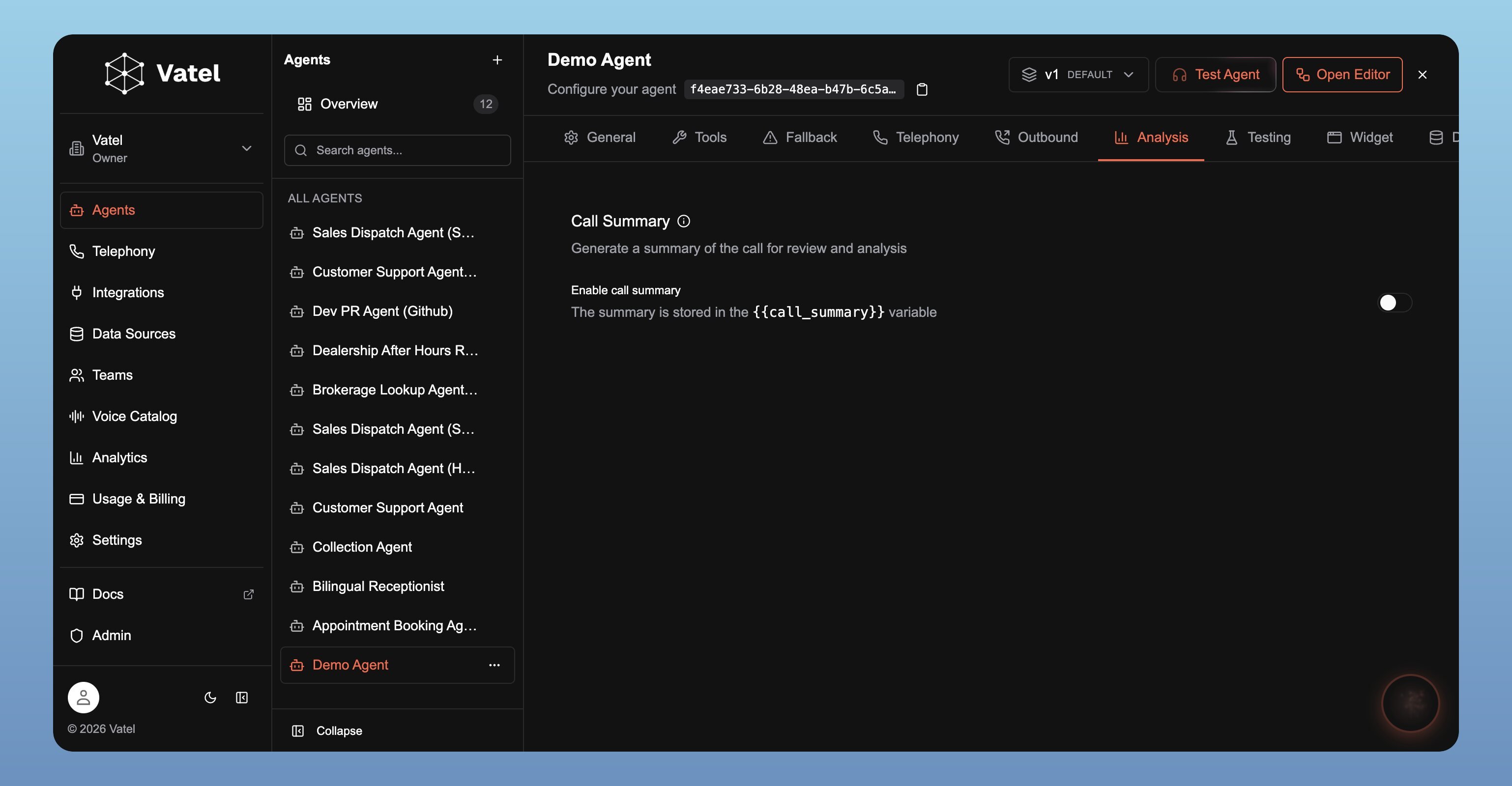
Analysis tab with Enable call summary off and the call_summary variable named under it

Analysis tab. Enable call summary is off. The description names the call_summary variable.

That summary is the same text you see when you open the call in analytics. The path, the recording, and the live transcript are separate. See Call analytics. If names and addresses in that summary have to match what was actually said, run Enhance transcription on the end flow before anything that reads the summary.