

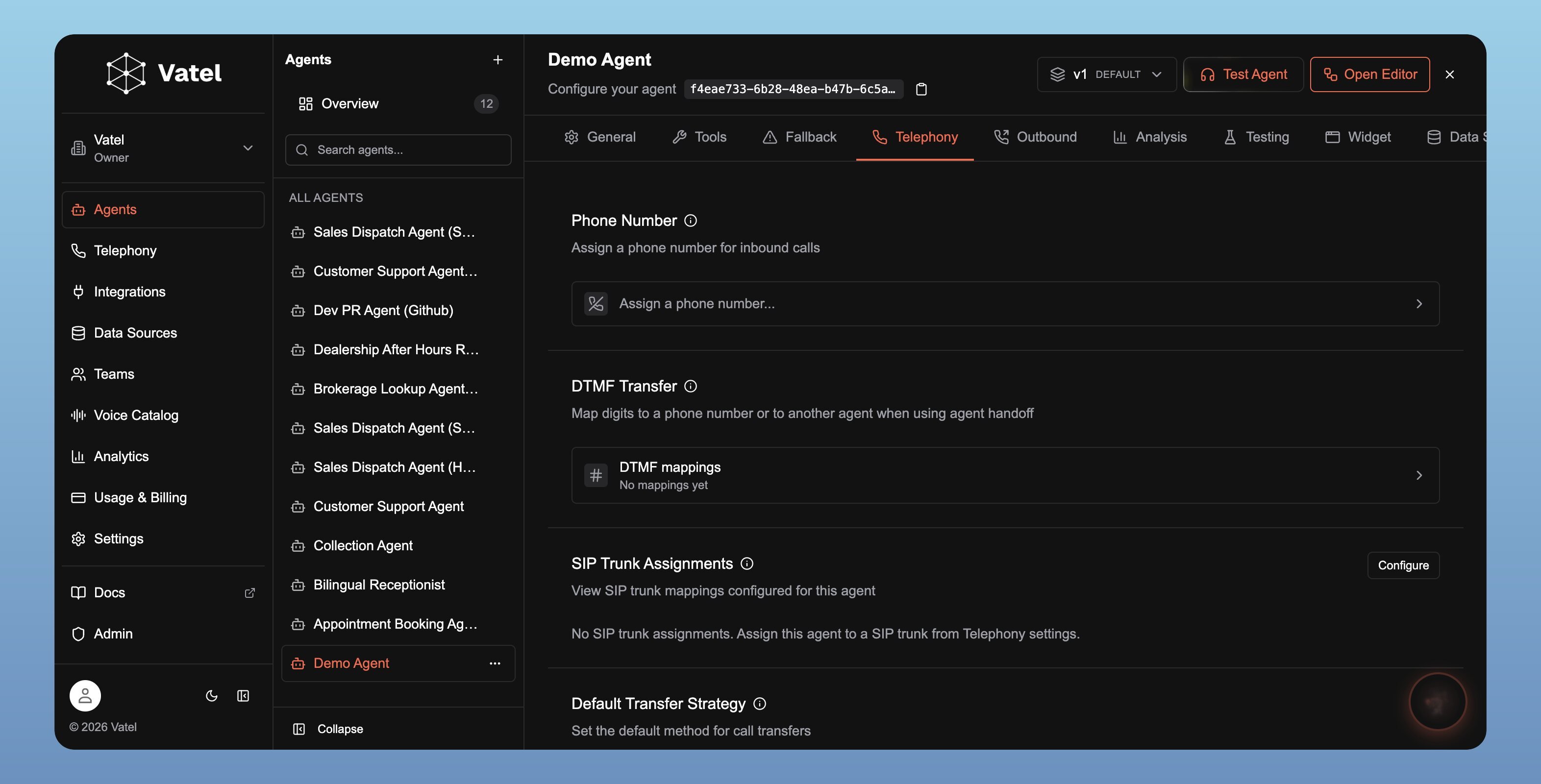
Telephony tab. Phone number, DTMF transfer, and SIP trunk assignments.
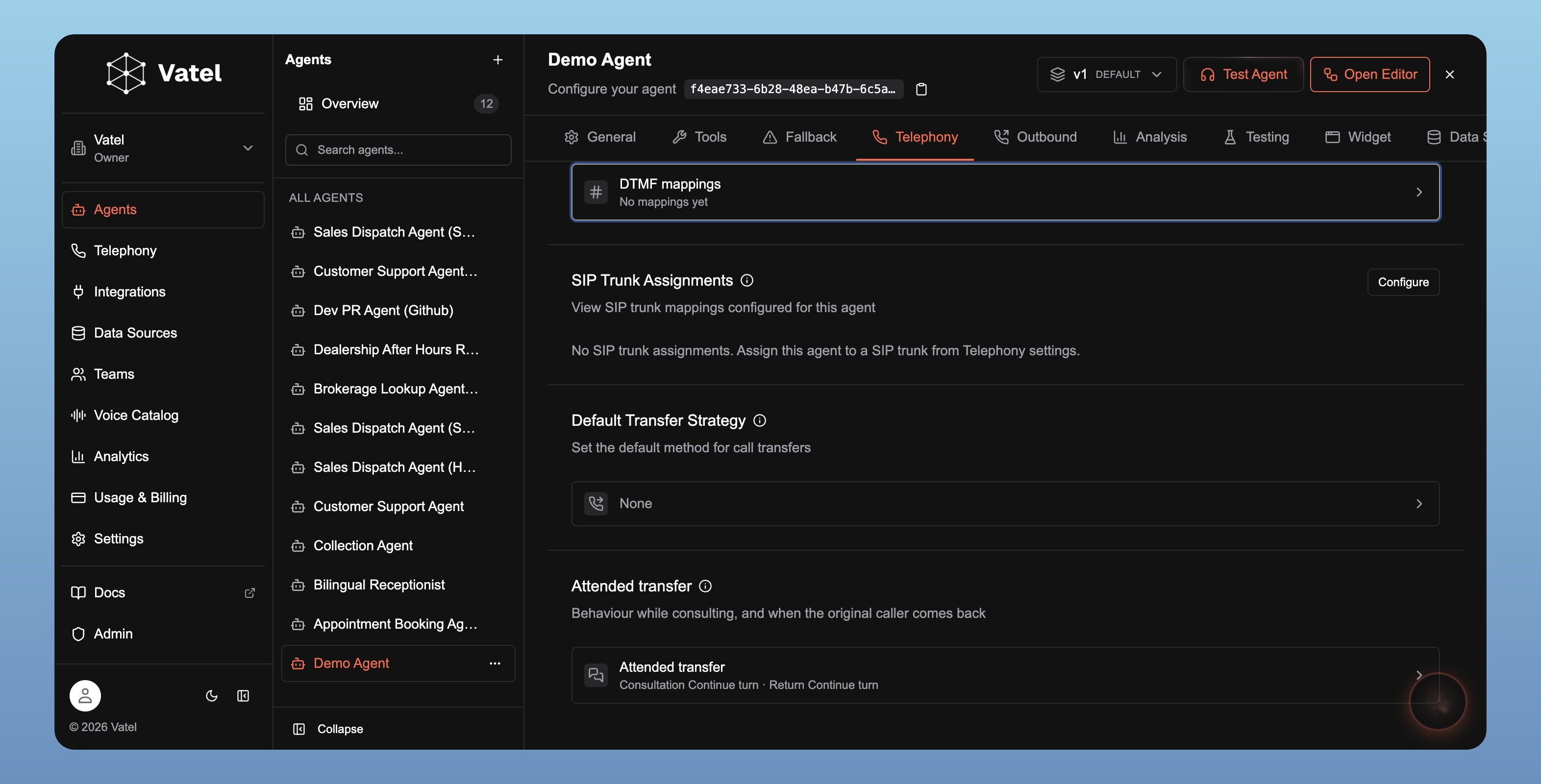
Lower half of the Telephony tab. Default transfer strategy is None. Attended transfer is Continue turn on both legs.
Phone number
Assign one Twilio number so this agent can receive inbound calls. Unassign it to stop inbound Twilio delivery to this agent. Buying and importing the number is covered in Twilio. The card is Phone Number. The subtitle is “Assign a phone number for inbound calls.” Until a number is assigned, the row says “Assign a phone number…” Open it to assign one, or to unassign the current one.DTMF transfer
This map is for digits the caller presses during a live call. It is not the DTMF node, which sends tones out to an IVR. Each entry is a digit, a target, and a transfer type.
Transfer types on a digit:
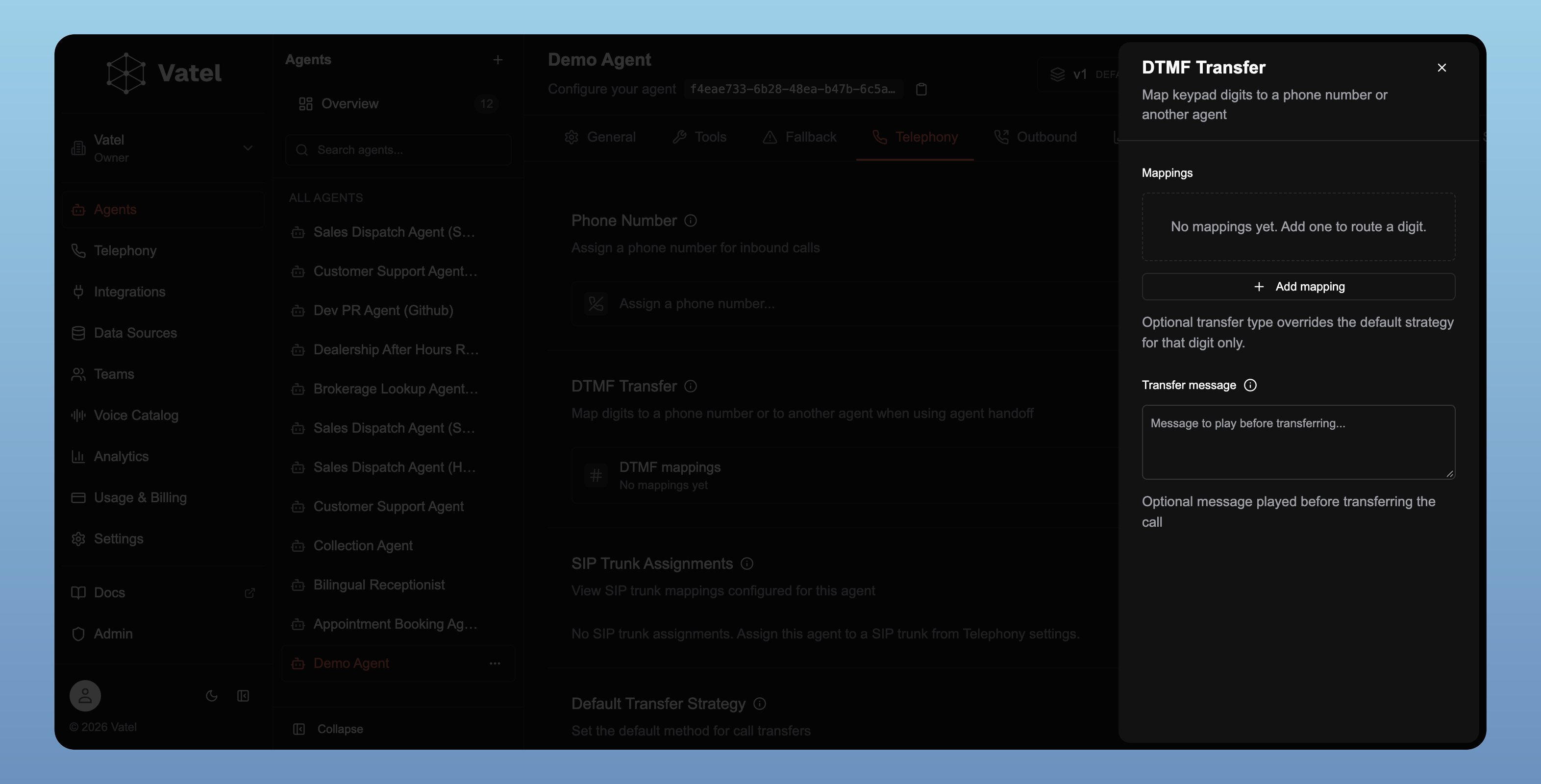
DTMF Transfer drawer with no mappings yet. Add mapping creates a digit row. Transfer message is the optional audio played before the transfer.
SIP trunk assignments
This card assigns an existing trunk to the agent. Creating the trunk, the region, the auth, and the SIP URIs is done on the organization Telephony page. See SIP trunking. When this agent has no assignment, the card says to assign it from Telephony settings. Configure opens that organization page. When a trunk is assigned, the row shows the trunk and the agent version inbound calls on that assignment use. See Version control.Default transfer strategy
The card says “Set the default method for call transfers.” A DTMF row whose Transfer is Default uses this choice.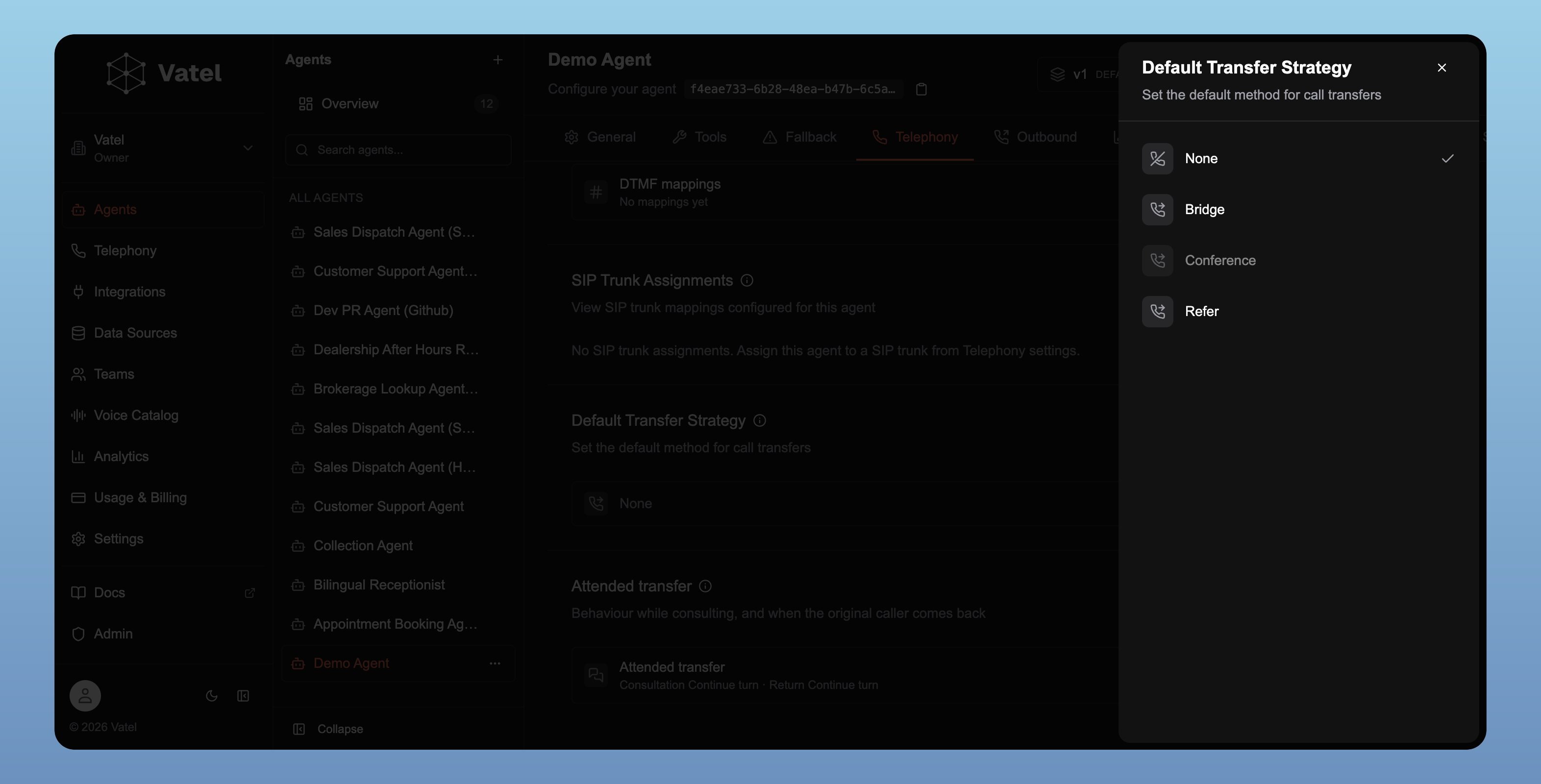
Default Transfer Strategy drawer. None is selected. The other rows are Bridge, Conference, and Refer.
Attended transfer
A blind transfer connects the caller and leaves. An attended transfer talks to the destination first, so the agent can say who is calling and why, then connect. A sales handoff is the usual case: the rep hears the context before the caller is on the line. The caller stays on hold. The agent moves into a consultation with the person being dialed. Two moments are configurable: entering that consultation, and coming back to the original caller if the transfer does not complete.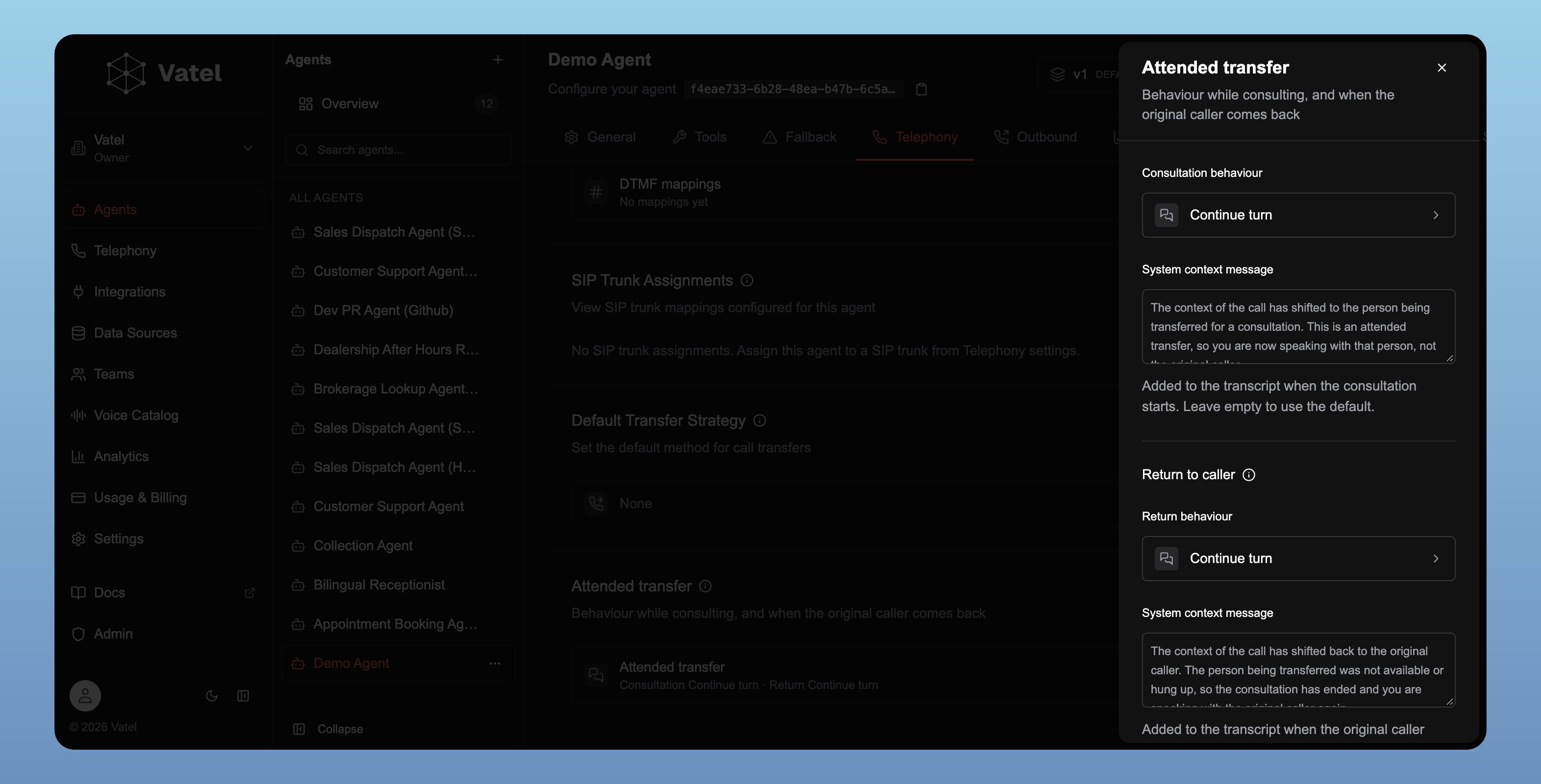
Attended transfer drawer. Consultation behaviour and Return behaviour are both Continue turn. Each has a system context message.
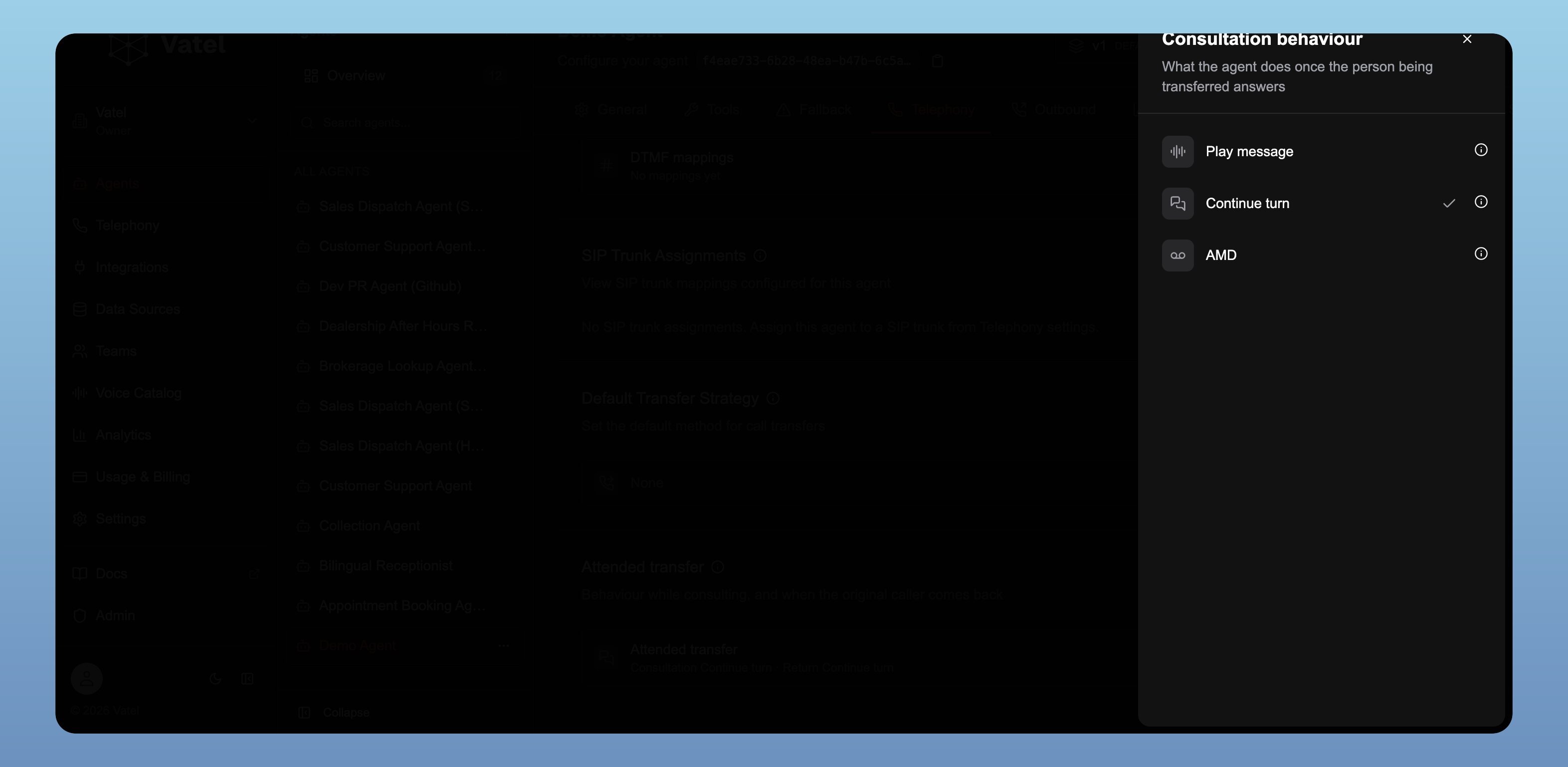
Consultation behaviour choices: Play message, Continue turn, and AMD.
Consultation
What the agent does when it arrives in the room with the person being dialed.Return to the caller
What the agent does if it comes back to the original caller.
Return behaviour does not include AMD. AMD is only on the consultation menu.
Both sections have a System context message. It is added to the transcript when that moment starts. Leave it empty to use the text already in the placeholder.
A graph transfer that uses attended transfer reads these settings. Dispatch’s Attended transfer mode is a different control: it rings a list on the current call. See Dispatch.