Twilio

The Twilio integration enables voice calls and SMS sending for your AI agents. Setup takes just a few minutes: purchase a number on Twilio, connect your account to Vatel AI, then assign the number to your agent.

Info

Usage fees (calls, SMS, numbers) are billed directly by Twilio, separately and transparently.

Prerequisites

Before starting, make sure you have:

  • A Twilio account (Create an account)
  • A Vatel AI organization and at least one agent

Configuration steps

  1. Purchase a number and retrieve your Twilio credentials

    • Sign in to your Twilio Console.
    • Purchase a phone number (Phone Numbers → Manage → Buy a number).
  2. Make sure you have the following at hand in Twilio's Account Dashboard:

    • Account SID
    • Auth Token
    • Purchased phone number
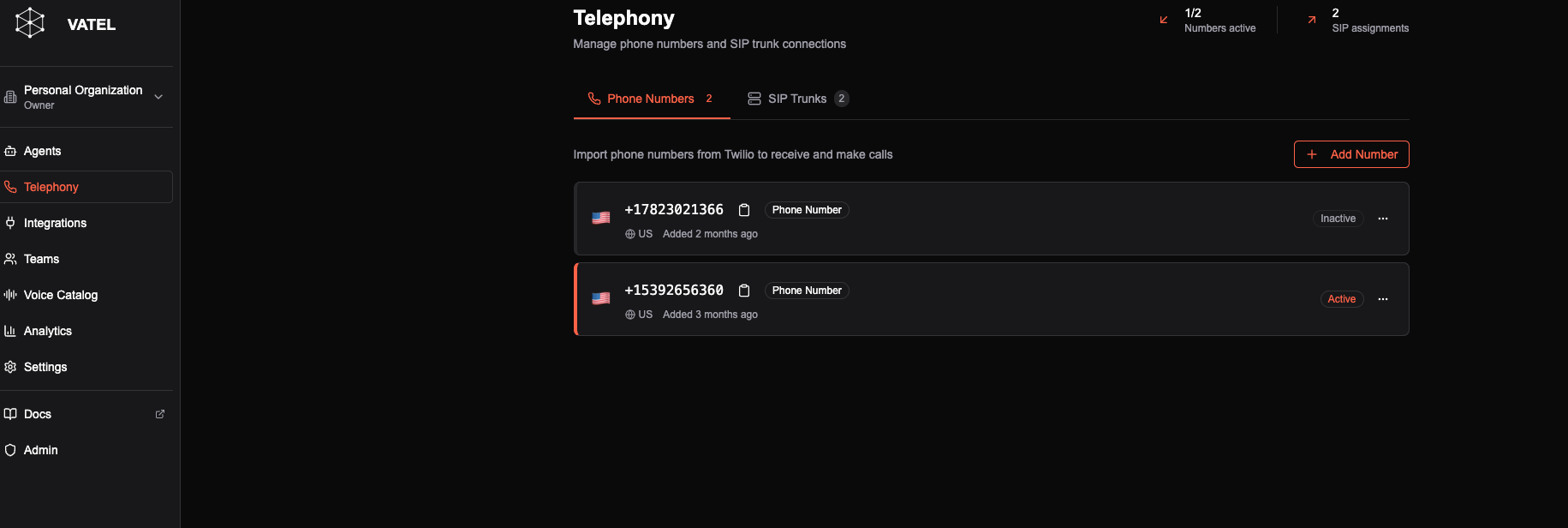
  3. Add the number in Vatel AI

    • In Vatel AI, from the dashboard, click Settings
    • Scroll down to Your Phone Numbers then click Add Phone Number.
    • Enter:
      • The Label (number name in Vatel)
      • The Twilio Account SID
      • The Twilio authentication token
      • The phone number and area code
    • Click Save.

Add phone number

You can now associate the number with an agent by going to the agent editor, Settings → Call Settings section, then choosing the number to assign.