

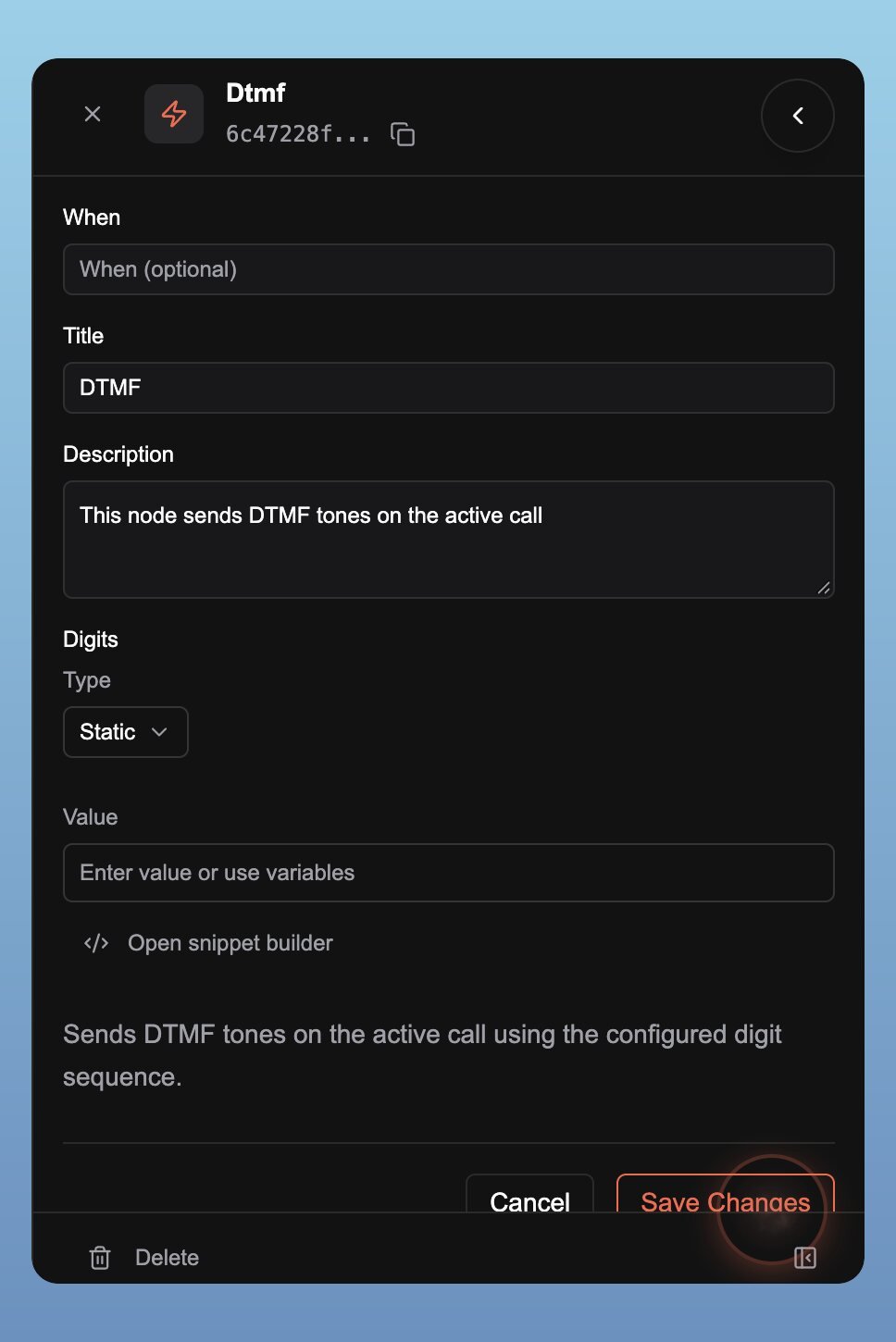
DTMF settings. Title is DTMF, digits type is Static, and the value is where the tone sequence goes.
Fields
Static vs. Dynamic digits
The Digits field has two modes, controlled by the Type dropdown.- Static means you type the exact tone sequence that will be sent every time this node runs (for example,
1234#). Use Static when the menu path is always the same, such as “press 1 for English, then press 3 for support.” - Dynamic means you write a natural-language description of what digits to send, and the AI model determines the actual value based on the conversation context. Use Dynamic when the correct digit depends on something the caller said or on a variable that changes between calls. For example, the description might say “press the digit that matches the department the caller requested.”
0 through 9, *, #, and A through D.
DTMF transfer on the Telephony tab is a separate control. That mapping handles digits the caller presses on an inbound call. This node sends digits your agent plays on the connected call.