

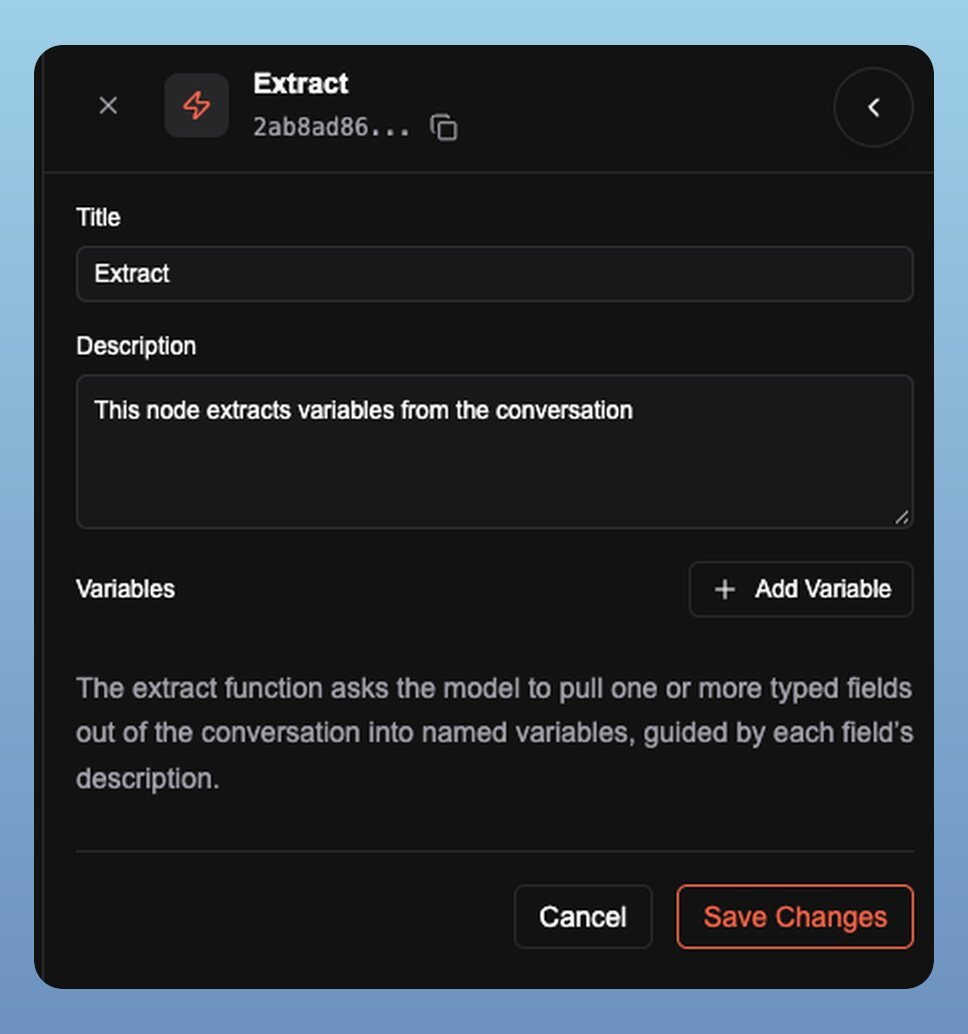
Extract settings on a flow. The description is filled in, and no variables have been added yet.
Fields
Adding variables
Click Add Variable to create a new extraction card. Each card has three fields:-
Variable Name is the name under which the extracted value will be stored. Later steps can read it with
{{name}}. For example, if you name a variablecaller_email, you can reference it as{{caller_email}}in a webhook body or email template. - Description tells the AI model what to look for in the transcript. Write this in plain language as if you were instructing a person. For example: “The caller’s email address” or “The street address where the issue is located, including city and zip code.” The more specific your description, the more accurate the extraction will be.
-
Type controls the data format of the extracted value. The dropdown offers three options:
- string stores the value as text. Use this for names, addresses, descriptions, and anything that is not purely a number or a yes/no answer.
- number stores the value as a numeric value. Use this for quantities, dollar amounts, unit numbers, or any field where you need a number for calculations or comparisons.
- boolean stores the value as
trueorfalse. Use this for yes/no questions, such as “Did the caller agree to the terms?” or “Is this an emergency?”
Handling missing information
If the transcript never mentions a particular field, the model still needs to store something. You can control this by adding fallback instructions to the variable’s description. For example: “The caller’s email address. If no email was mentioned during the call, storena.”
If you do not include fallback instructions, the model will fill in its best guess based on context, which may not be what you want. For fields that might not come up in every call, it is a good practice to specify a clear fallback.