

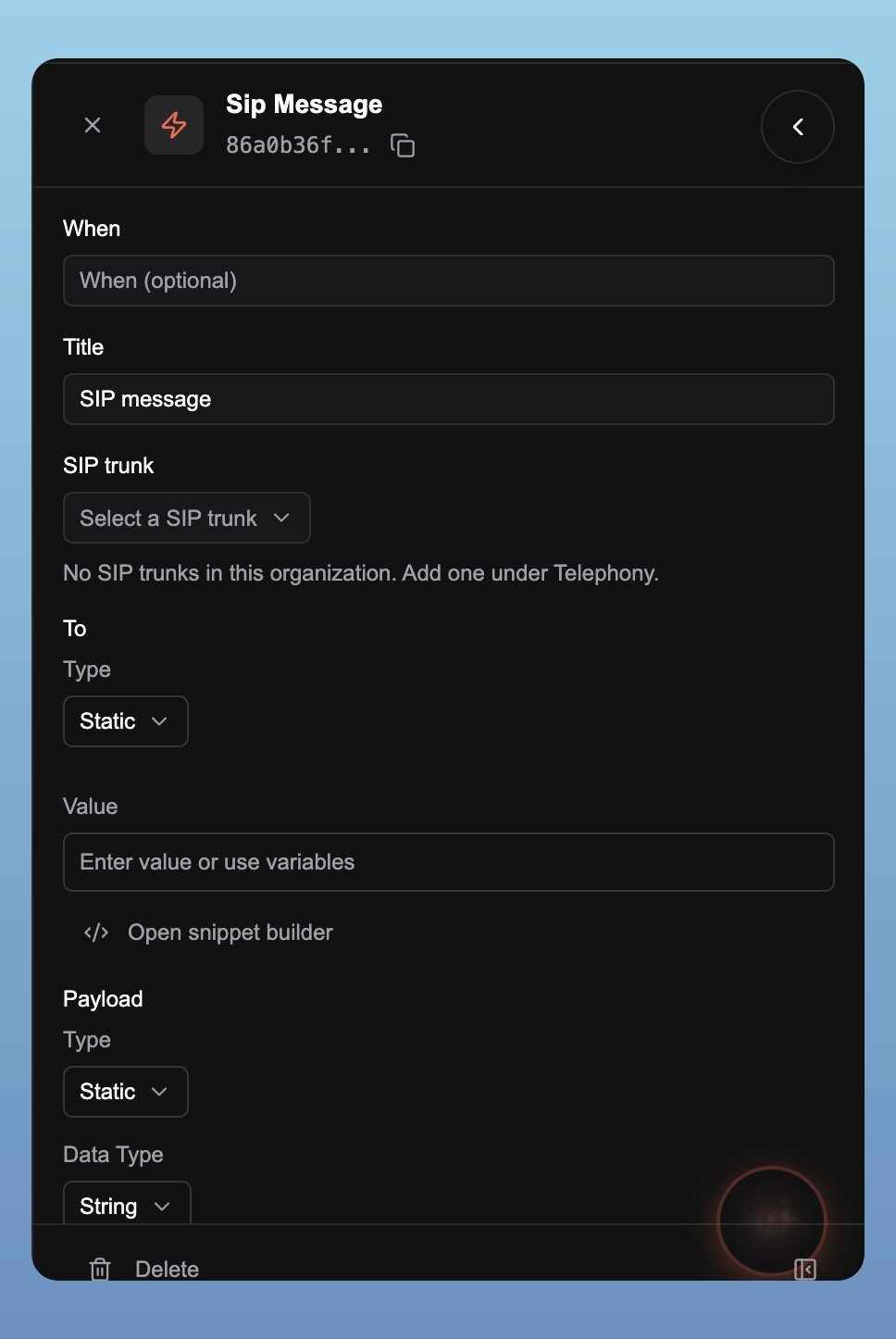
SIP message settings. No trunk is selected, To and Payload are both Static, and the payload data type is String.
Fields
Static vs. Dynamic fields
Both the To and Payload fields have a Type dropdown with two options.- Static means you type the exact value that will be used every time. For the To field, this would be a fixed phone number or SIP address. For the Payload field, this would be a fixed message body. You can still include
{{variable}}references inside a Static value (for example,Hello {{caller_name}}, your appointment is confirmed). - Dynamic means you write a natural-language description of what the value should be, and the AI model fills it in based on the conversation context. Use Dynamic when the value depends entirely on what was discussed during the call. For example, the Payload description might say “summarize the caller’s issue in one sentence.”
Payload data type
When configuring the Payload, you will also see a Data type dropdown. This controls the format of the message body.- String sends the payload as plain text. This is the default and covers most use cases.
- JSON sends the payload as a structured JSON object. Use this when the receiving system expects machine-readable data rather than human-readable text.