
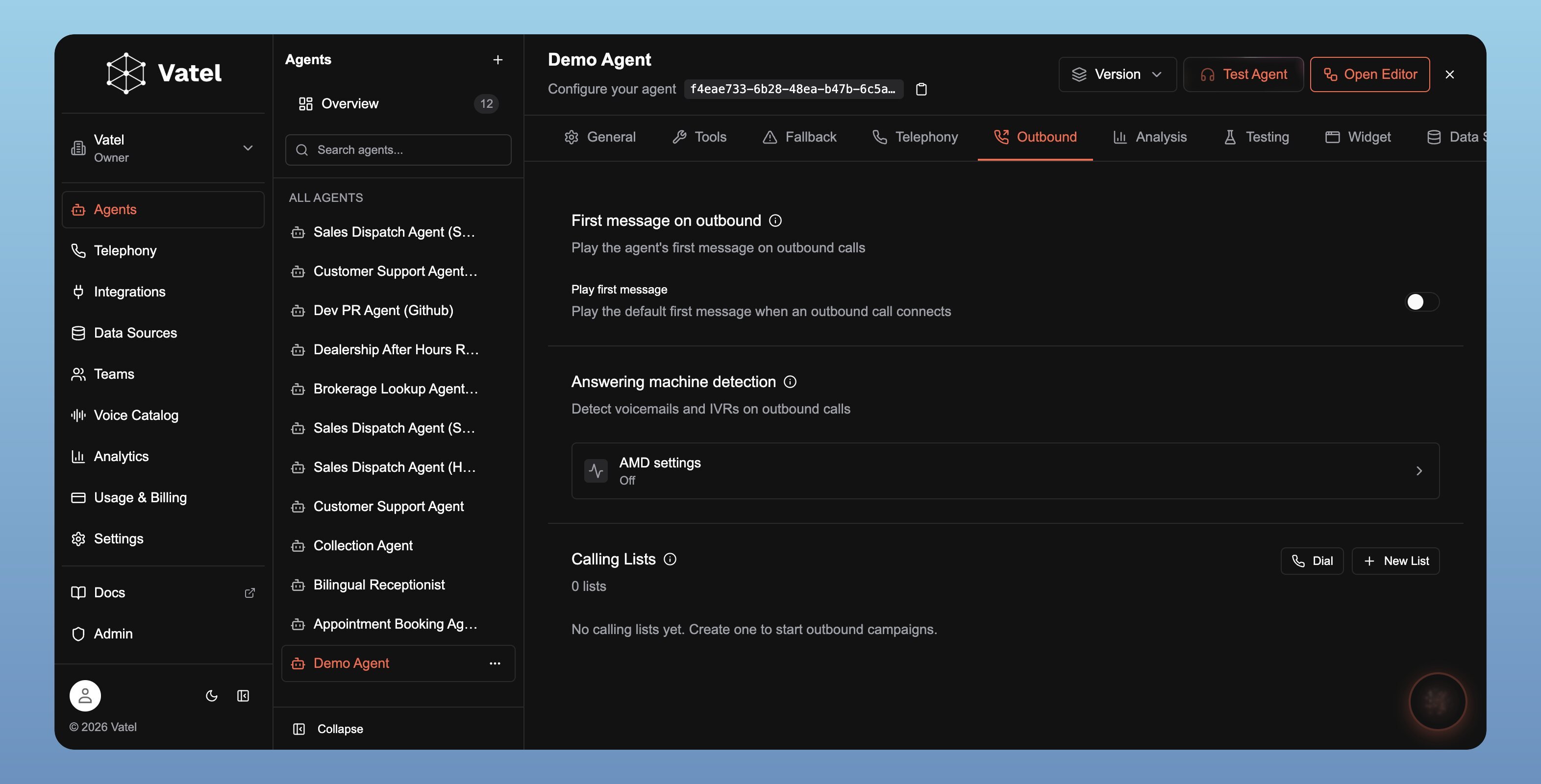
The Outbound tab controls what happens when this agent places a call, instead of receiving one. Open the agent, then Outbound.
Outbound tab with first message, AMD off, and no calling lists

Outbound tab. AMD is off, and there are no calling lists yet.

First message on outbound

When this is on, the agent plays its default first message after an outbound call connects. When it is off, the agent waits and does not open with that greeting. The greeting text itself is the first message on the General tab and the First Message node. This switch only decides whether outbound calls use it. The switch is labeled Play first message. The description under it is “Play the default first message when an outbound call connects.”

Answering machine detection

AMD runs on outbound calls only. After connect, the agent pauses briefly and classifies the far end.
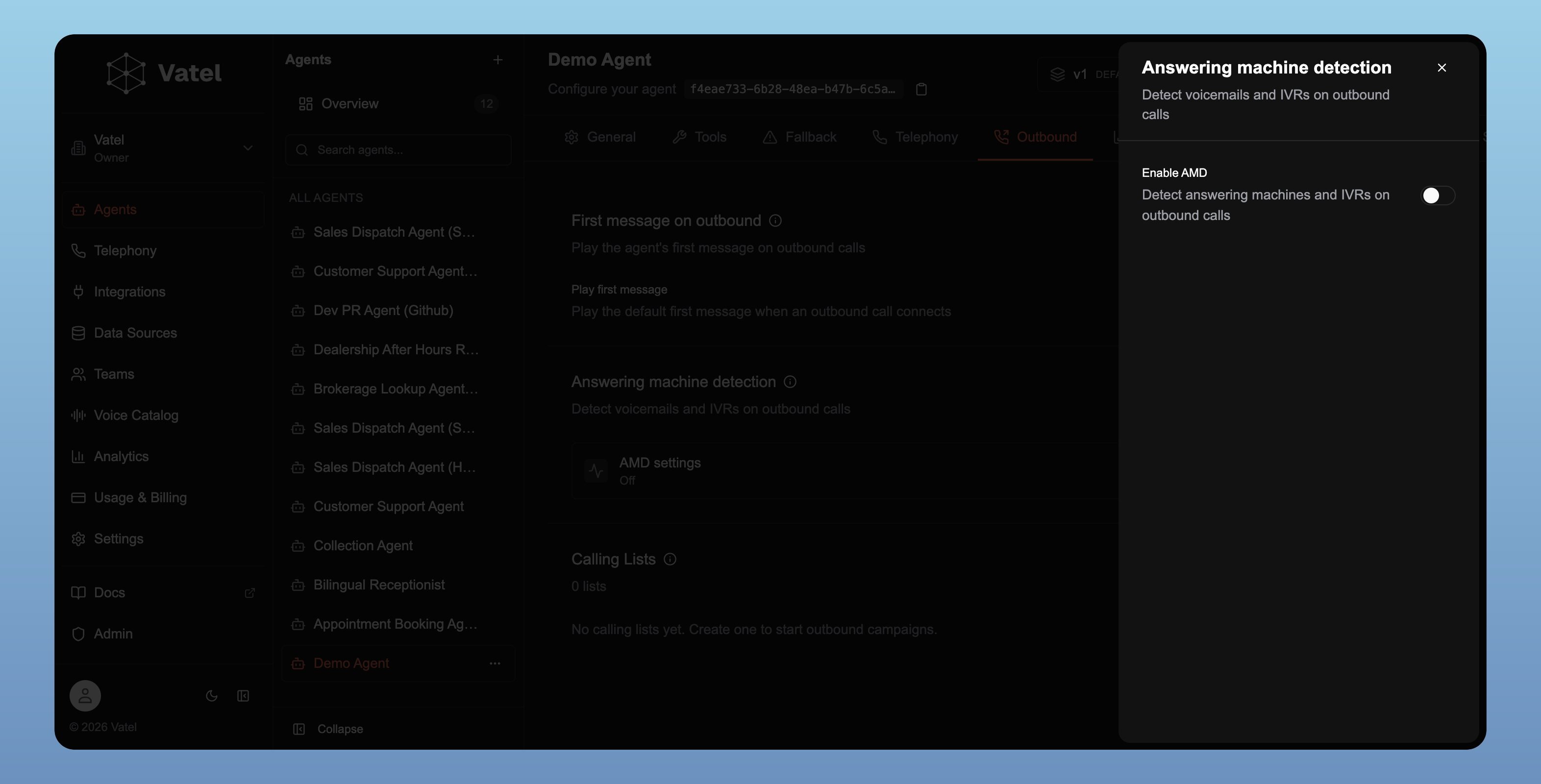
AMD drawer with Enable AMD switched off

Answering machine detection drawer with Enable AMD off.

Voicemail action

Inbound calls do not use this drawer.

AMD on an attended consultation

The attended transfer consultation can turn AMD on for that outbound leg only. Same idea: do not leave the agent sitting in a mailbox. The return to the original caller does not run AMD.

Calling lists

A calling list is contacts plus a schedule. The card shows the count. New List creates one. With no lists, the card says “No calling lists yet. Create one to start outbound campaigns.” Dial places one call to a number you type in at that moment. Each contact has a phone number, a first message, and variables. There is no trunk on the contact. If the first message is empty, the agent uses its default first message.