

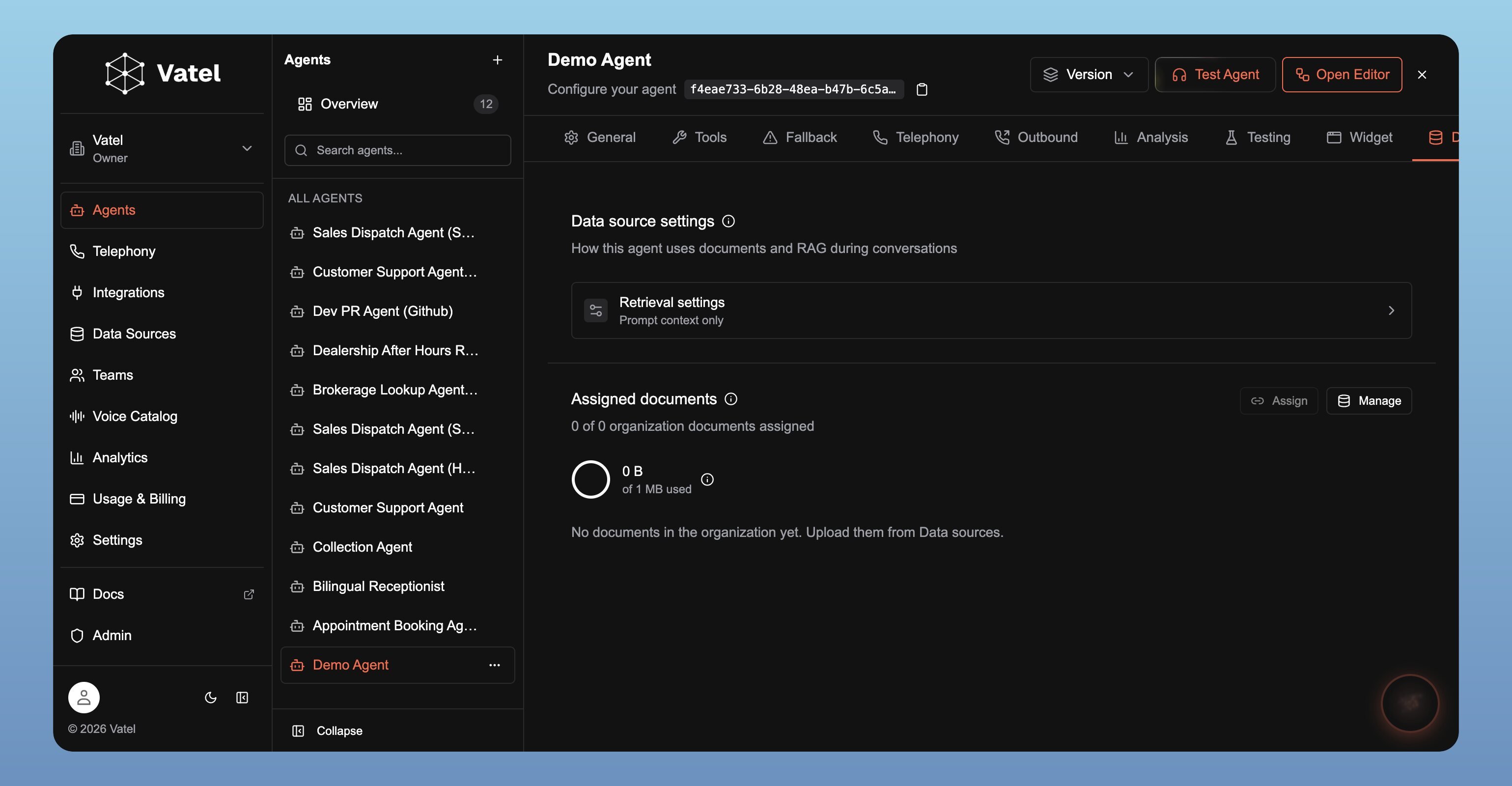
Data sources are the documents an agent is allowed to read. The organization holds the documents. This tab decides which of those documents this agent can use, and how they are retrieved. Open the agent, then Data Sources. To upload or edit the files themselves, use Manage, which opens the organization Data Sources page.
Data Sources tab with retrieval settings and the 1 MB meter

Data Sources tab. Retrieval is prompt context only, no documents are assigned, and the meter is 0 B of 1 MB.

What a document can be

On the organization page, a document is one of: Documents are split into chunks. Assigning a document to an agent is what makes those chunks available to that agent.

Retrieval

Turn RAG on once the knowledge base is large. RAG is required when the assigned documents pass 100 KB. The agent can hold 1 MB of assigned documents.
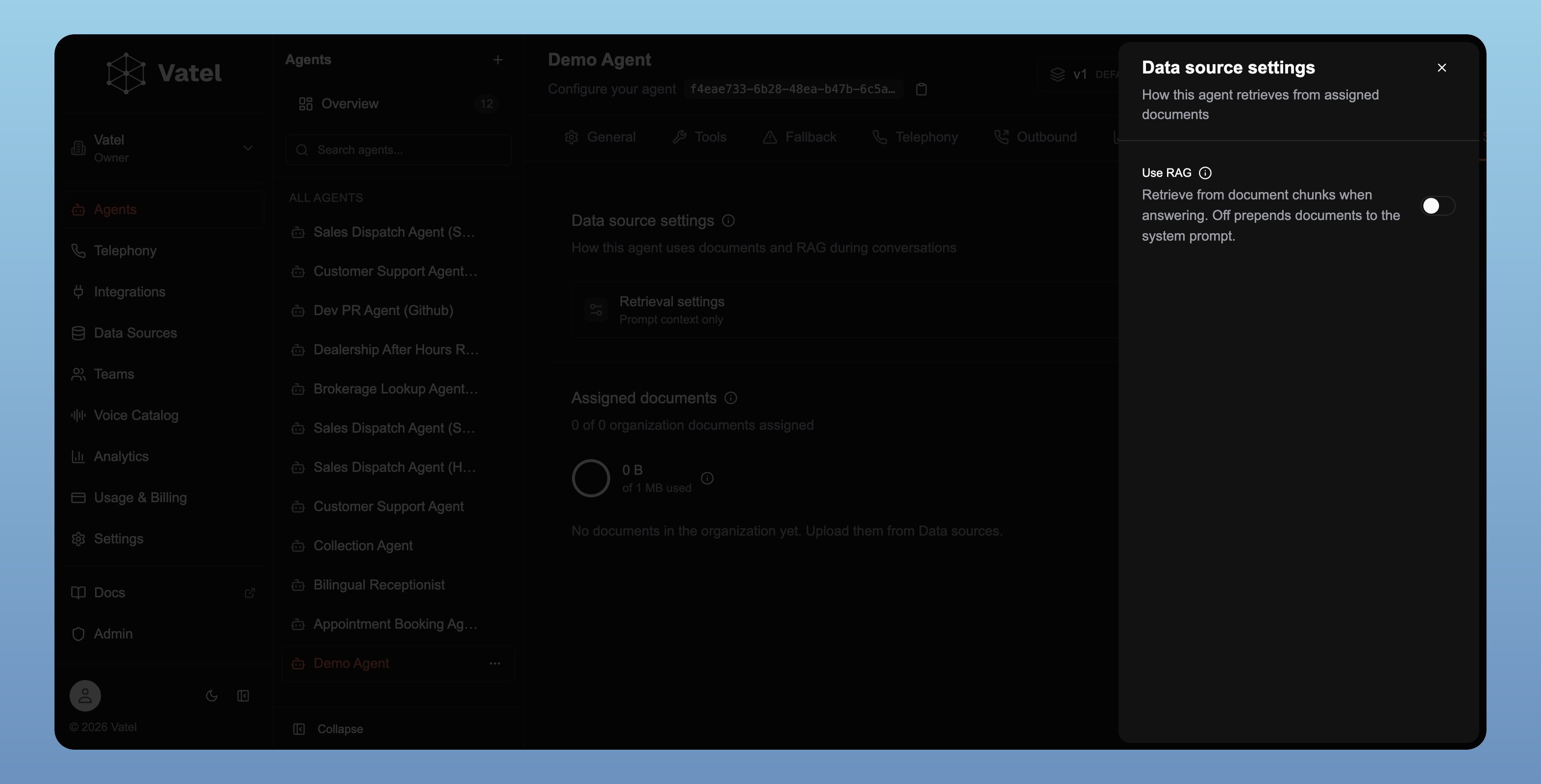
Data source settings drawer with Use RAG switched off

Retrieval settings with Use RAG off. Off prepends documents to the system prompt.

When RAG is on

These fields appear after you turn Use RAG on. The meter tooltip says RAG is required above 100 KB. When the assigned documents force RAG, the drawer says RAG is required because the knowledge base exceeds 100 KB.

Assigning documents

Under the retrieval settings, assign any document from the organization to this agent. Unassign removes it from this agent only. The organization copy stays. The meter on the tab is this agent’s 1 MB budget. Assigning a document that would pass 1 MB is blocked. The document is not truncated. The “RAG required above 100 KB” line is the same budget: under 100 KB you may append the text to the prompt, over 100 KB you have to use RAG. The tab shows how many organization documents are assigned, and Assign opens the list. Manage opens the organization Data Sources page.